On this page
Quick answer: A stylish AI photo prompt changes the outfit, light, pose, and setting while keeping the uploaded face recognizable. Pick one of the 14 app-neutral prompts below, upload a sharp photo, and keep the identity line. The set includes 10 looks for boys or men and four for girls or women.
For car, bike, rose, attitude, and boy-and-girl looks, use Trending AI Photo Prompts for Boys. For lobby, skyline, and old-money looks, see Luxury Lifestyle AI Photo Prompts.
Stylish AI Photo Prompts: How to Use Them
- Upload one clear photo with the face large and evenly lit.
- Copy one prompt and paste it with the photo.
- Keep the face, skin-tone, age, and hairstyle instructions.
- Change one detail at a time if you want a different outfit, crop, or backdrop.
Stylish AI Photo Prompts for Boys
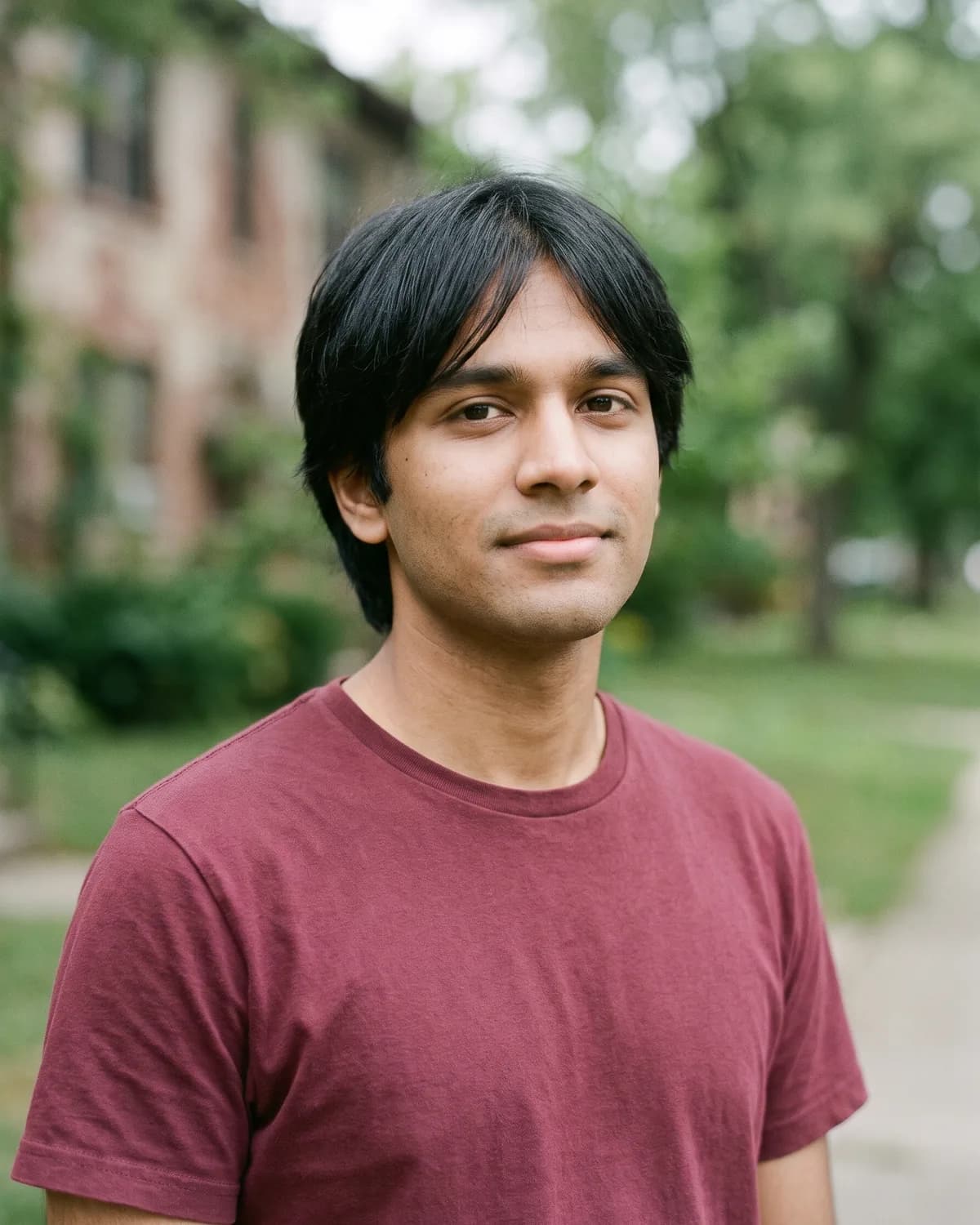
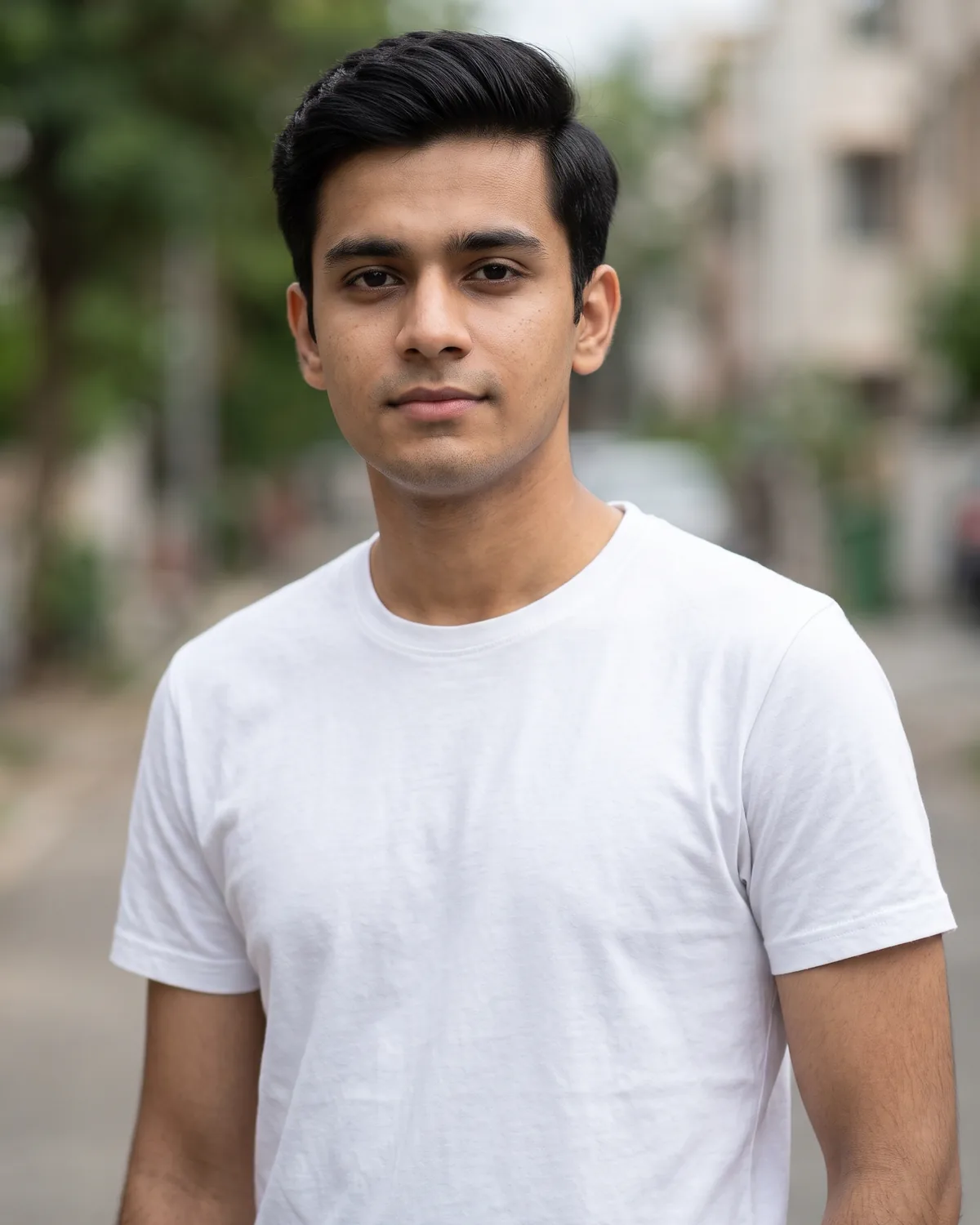
1. Stylish AI Photo Prompt for Boys (Daylight Street)
Daylight street stylish portrait, clean sneakers, fitted shirt, soft sun.
Edit the uploaded portrait into a bright daylight stylish street portrait of a boy. Use the main person in the source image as the person. Follow the selected source-preservation settings: preserve their recognizable identity, proportions, defining features, expression. Keep the person exactly recognizable as the uploaded person: same face shape, eyes, nose, lips, eyebrows, hairstyle and hairline, hair color, any beard, glasses, or head covering, apparent age, and exact skin tone; do not lighten the skin, change ethnicity, de-age, age up, slim, beautify, or replace the face. Make it a realistic high-resolution photograph with natural skin texture, true-to-life fabric detail, and believable depth of field. If clothing is not preserved, dress them in a fitted plain button-up shirt or a neat short kurta in a solid muted color, slim dark jeans or chinos, and clean plain white sneakers with no logos; keep any existing head covering. If pose is not preserved, show him standing on the sidewalk facing the camera with a relaxed, friendly expression, one hand in a pocket, weight on one leg, full face visible. Light him with soft natural sunlight and gentle open shade on the face so skin tone stays true. Apply soft warm natural color grading. Replace the background with bright city sidewalk in soft daylight with cream shopfronts, trees and gentle background blur, keeping clean edges around hair and clothing. Show natural hands with five fingers each. Add no text or lettering anywhere. Do not add extra people, watermarks, brand names, logos, characters, or licensed decorations; keep clothing modest, plain, and unbranded. Compose for 4:5 Portrait without cropping important facial features.
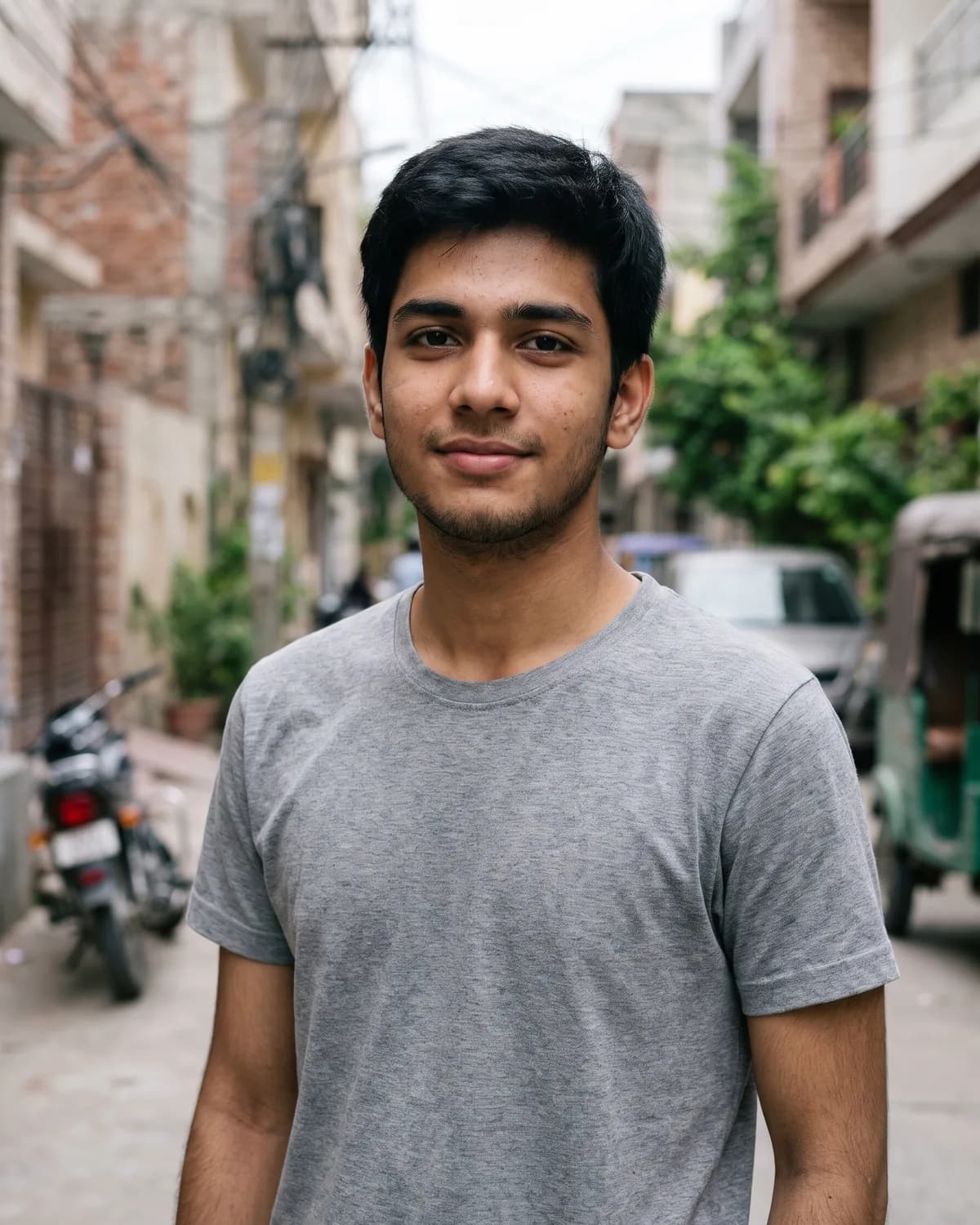
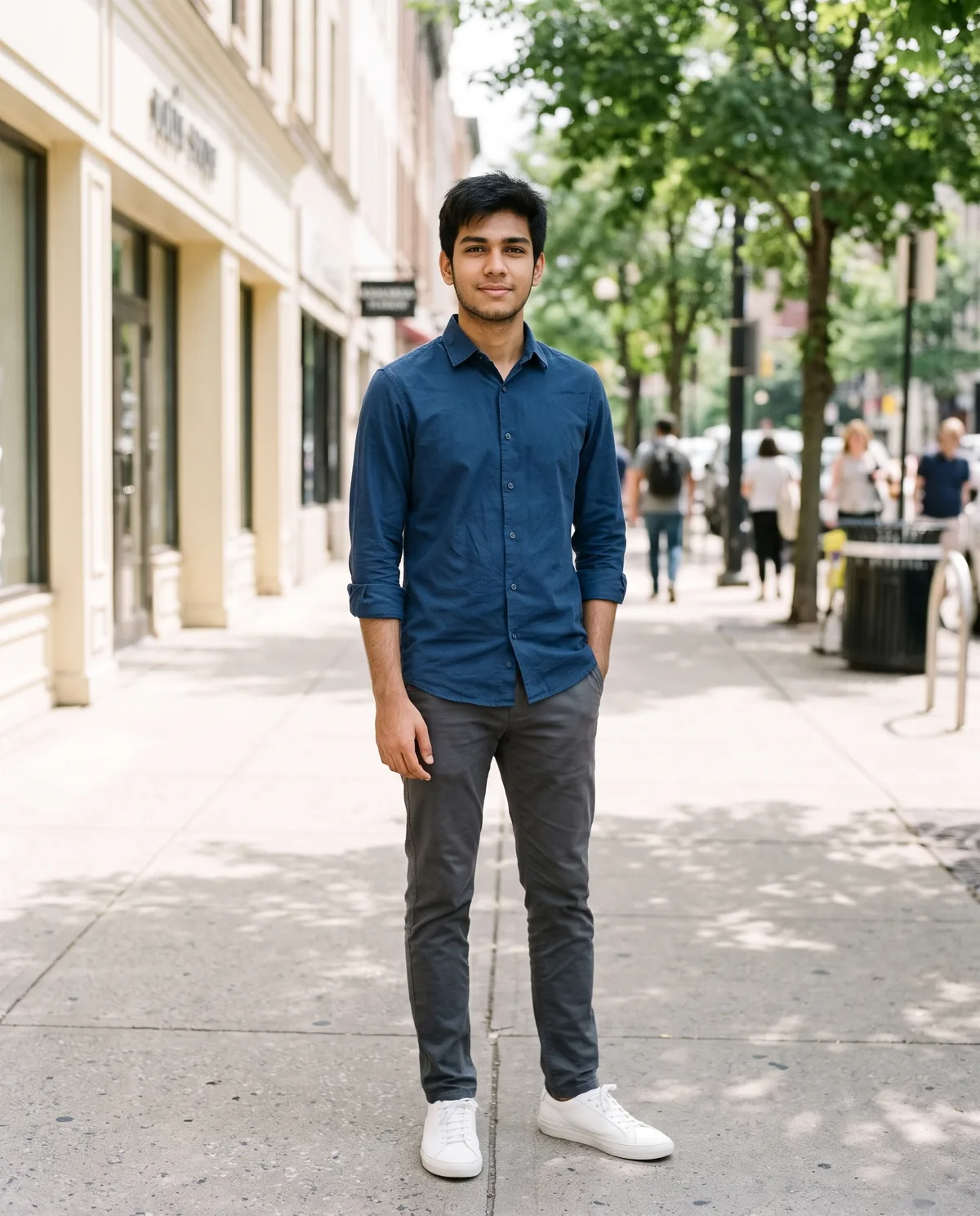
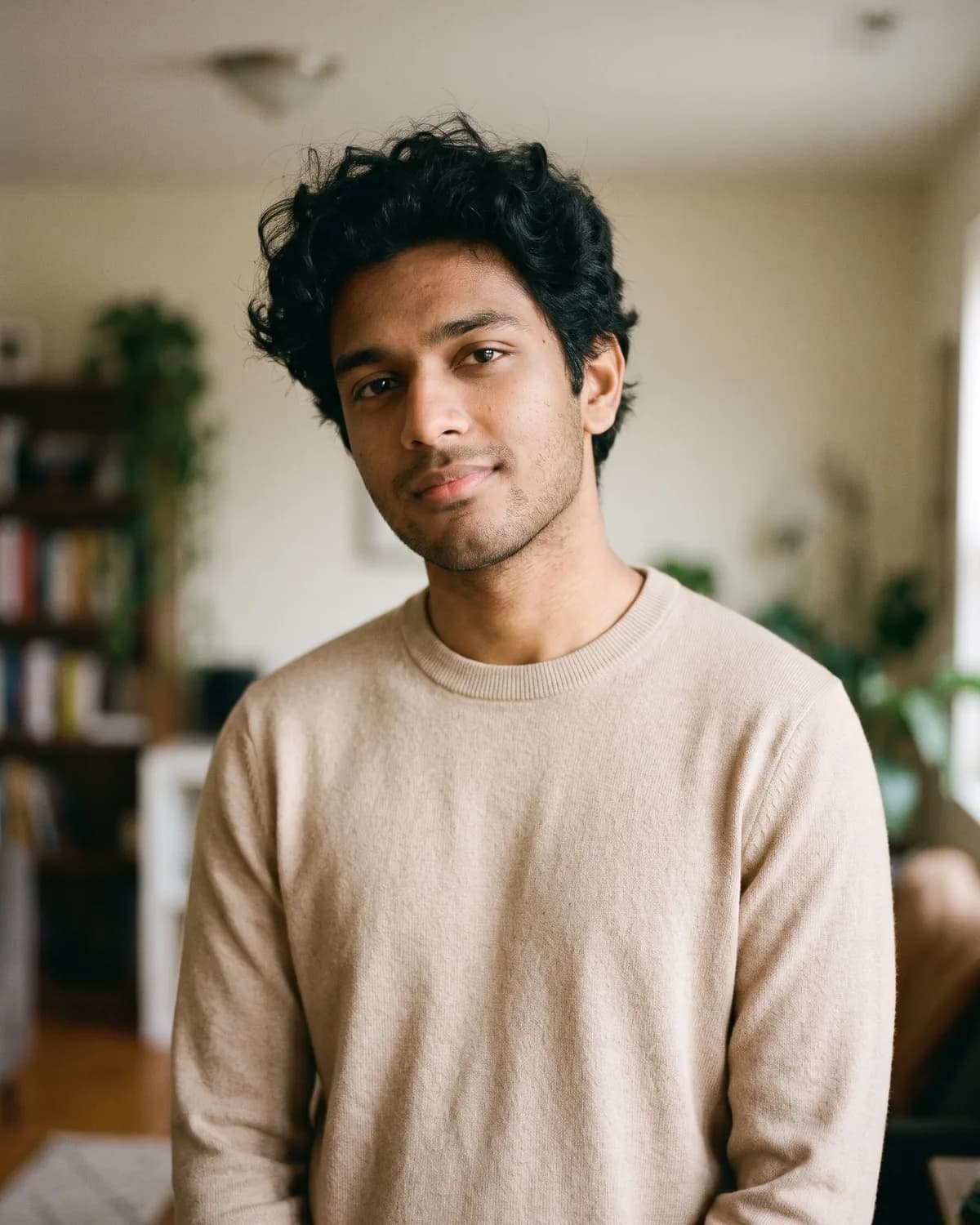
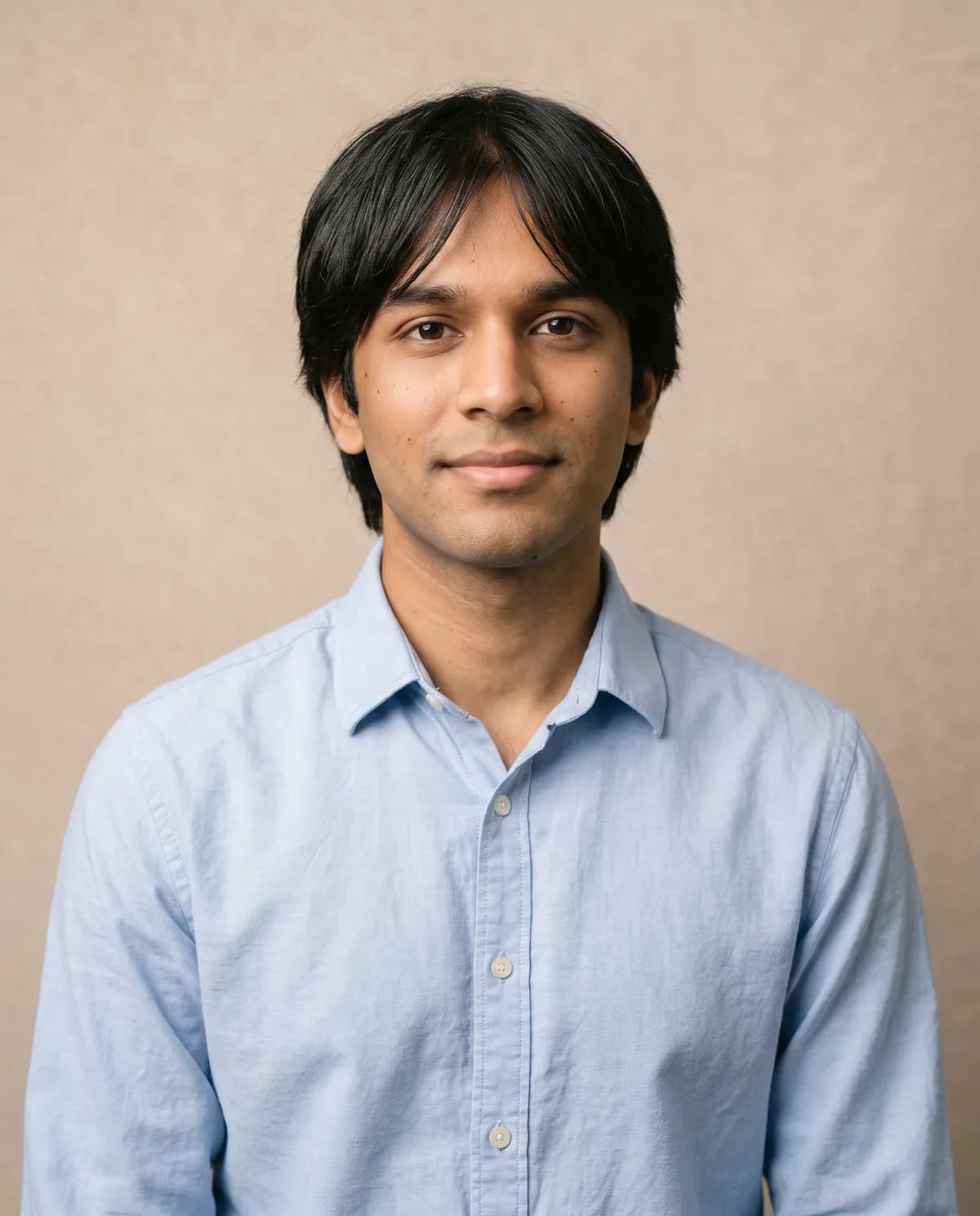
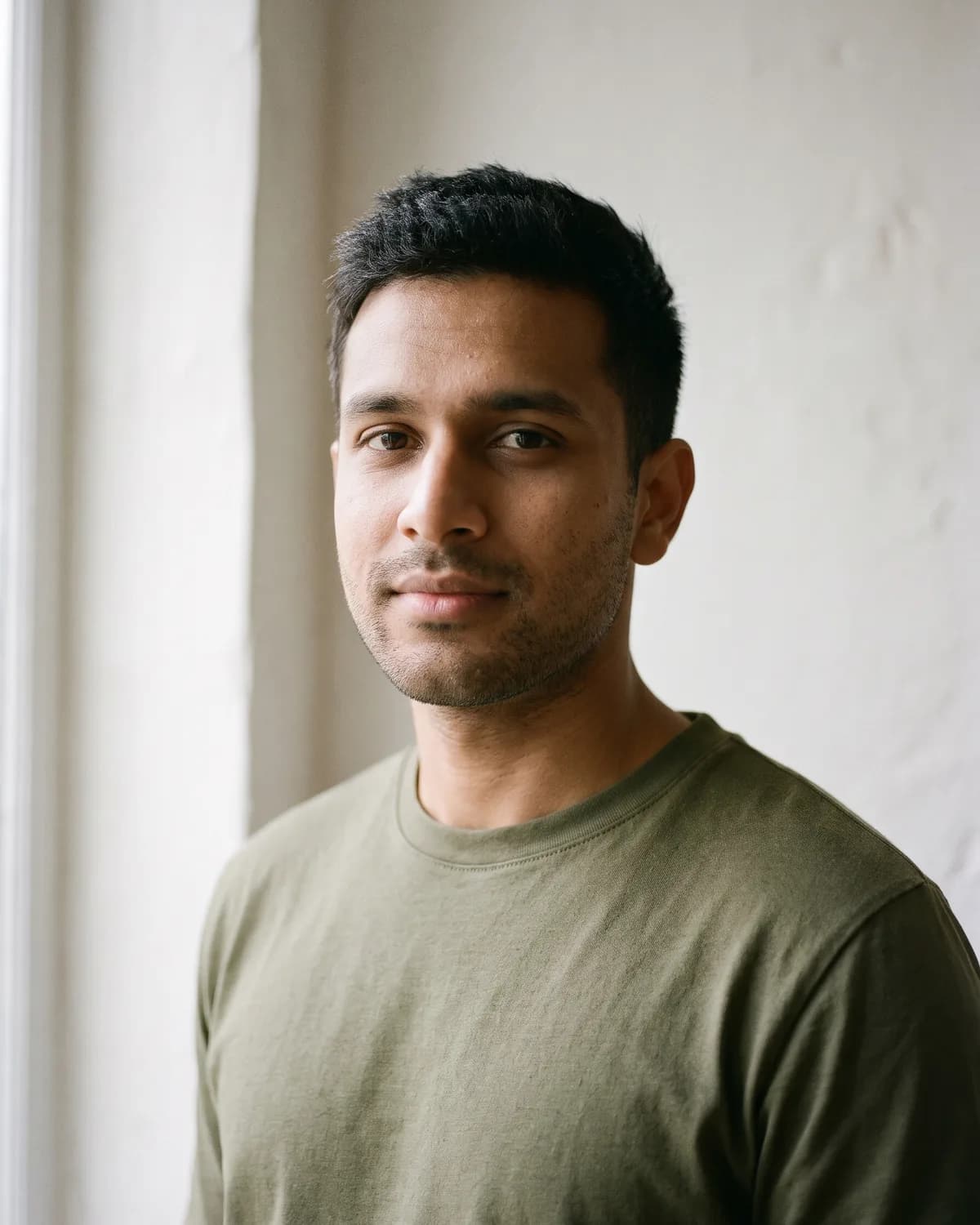
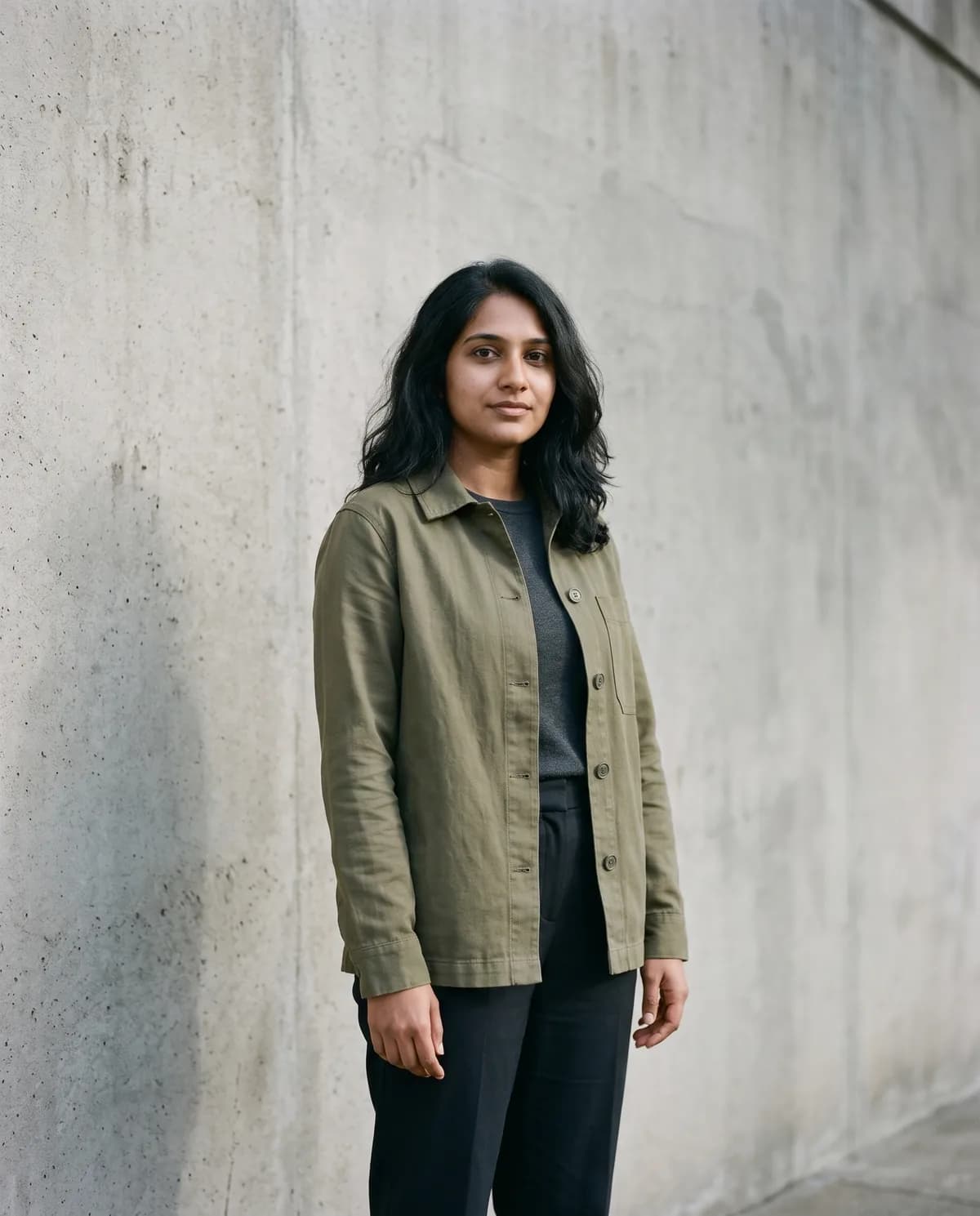
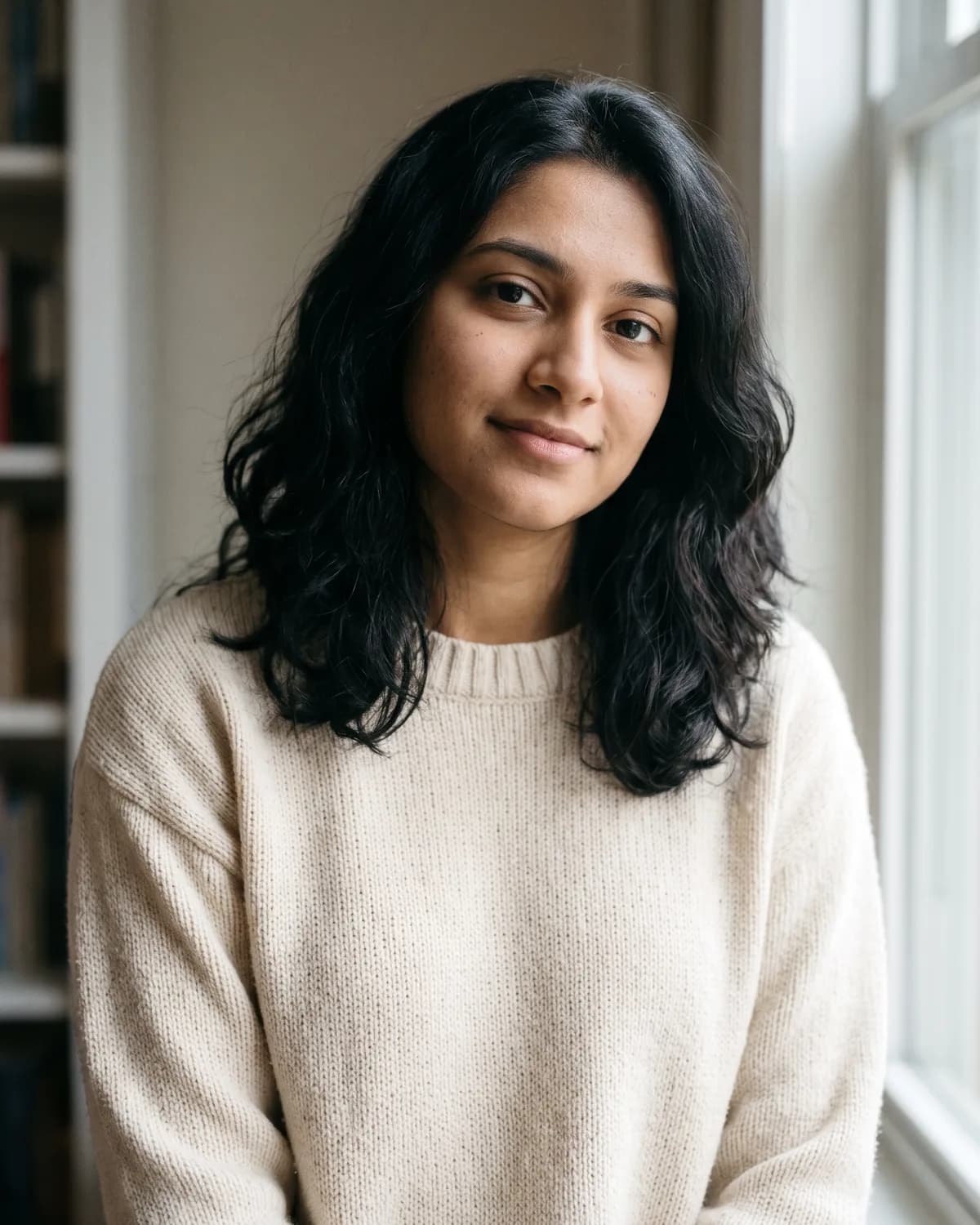
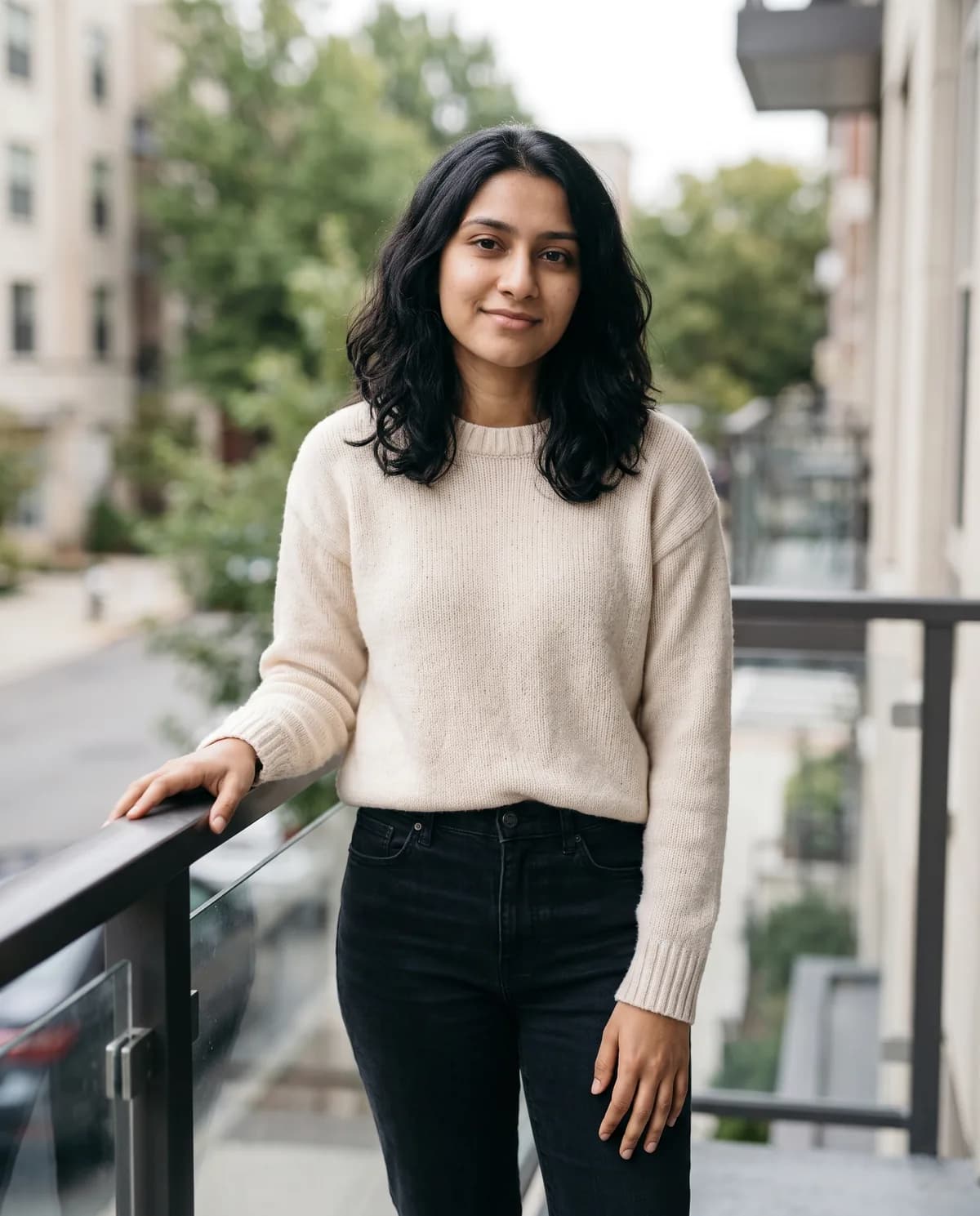
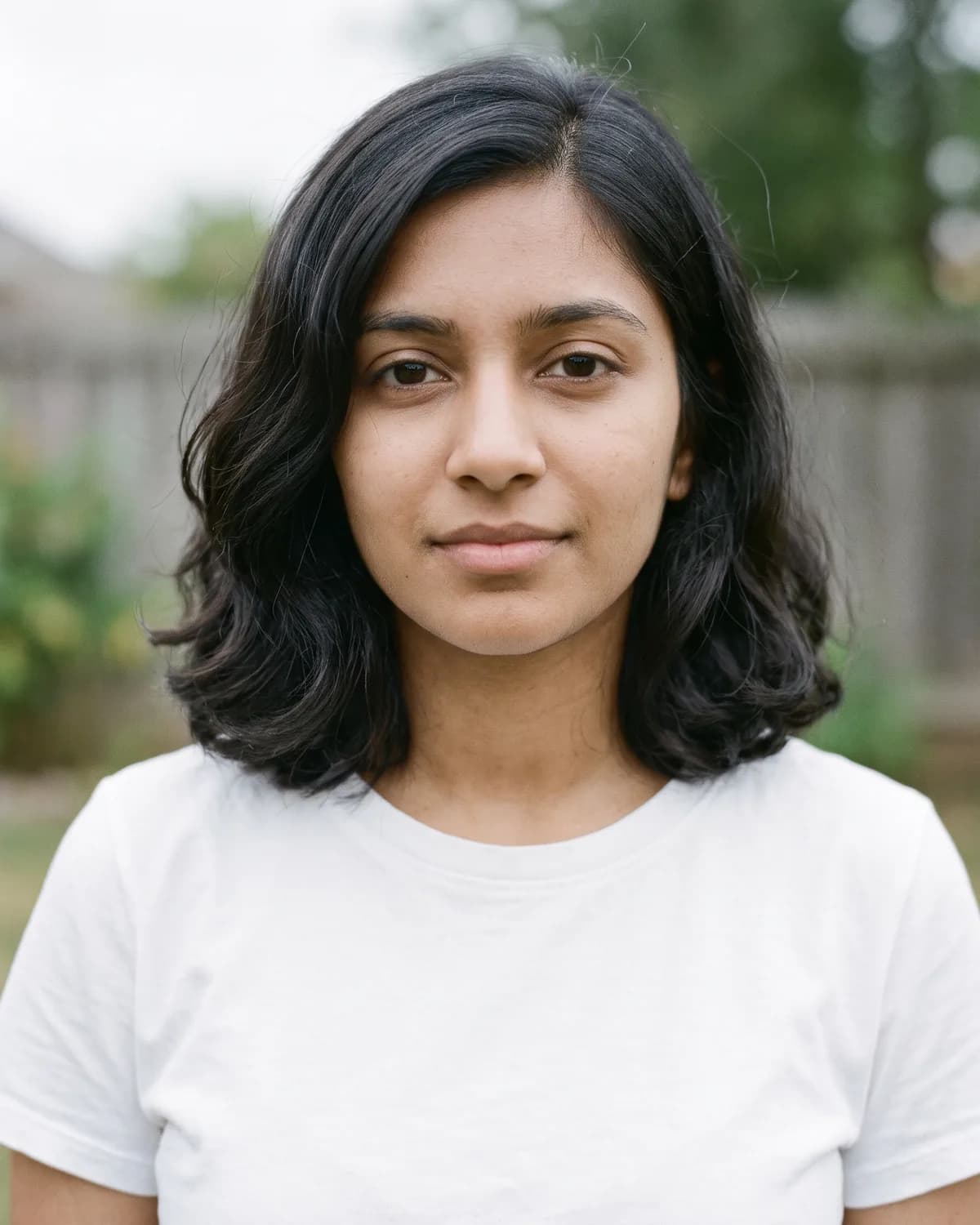
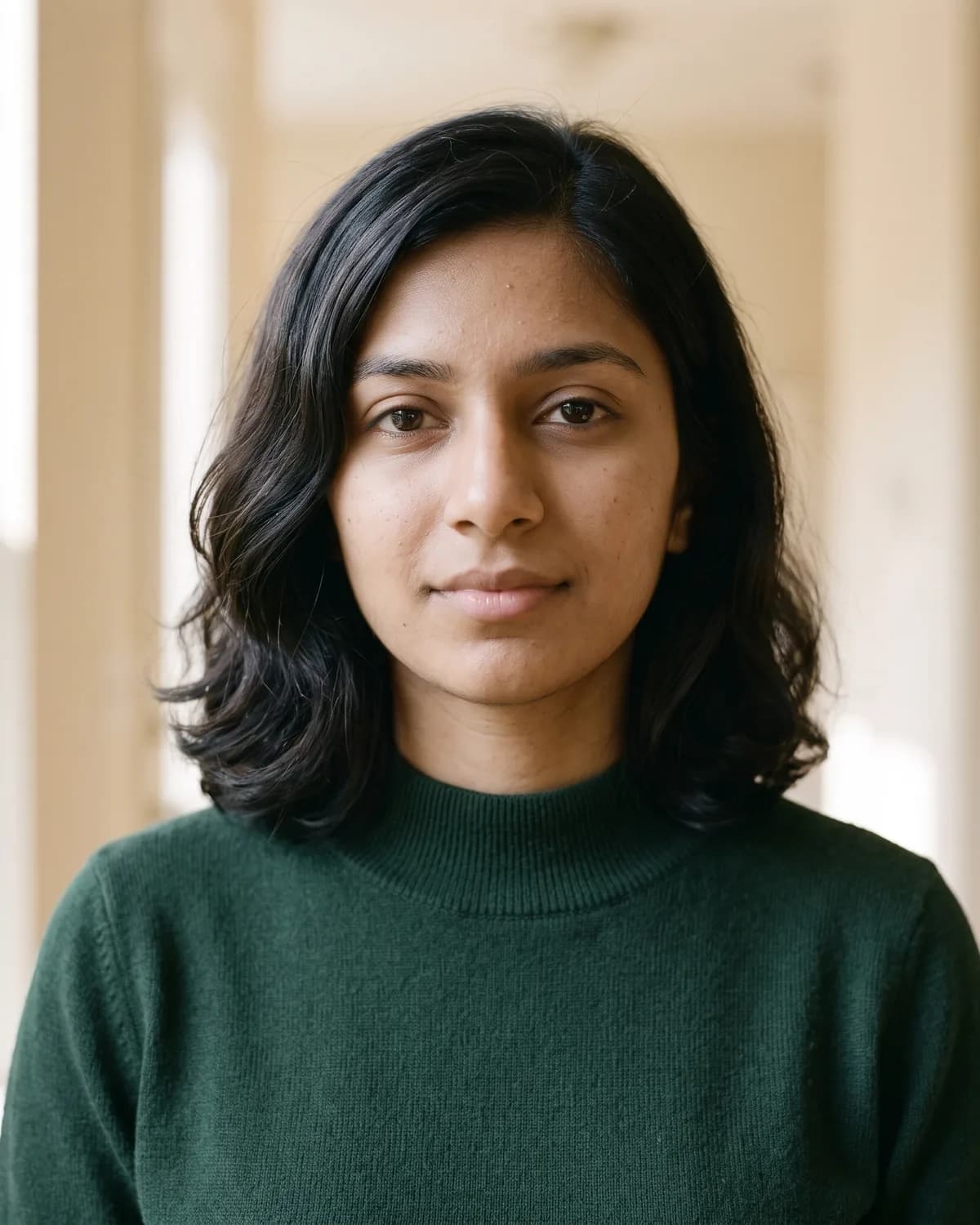
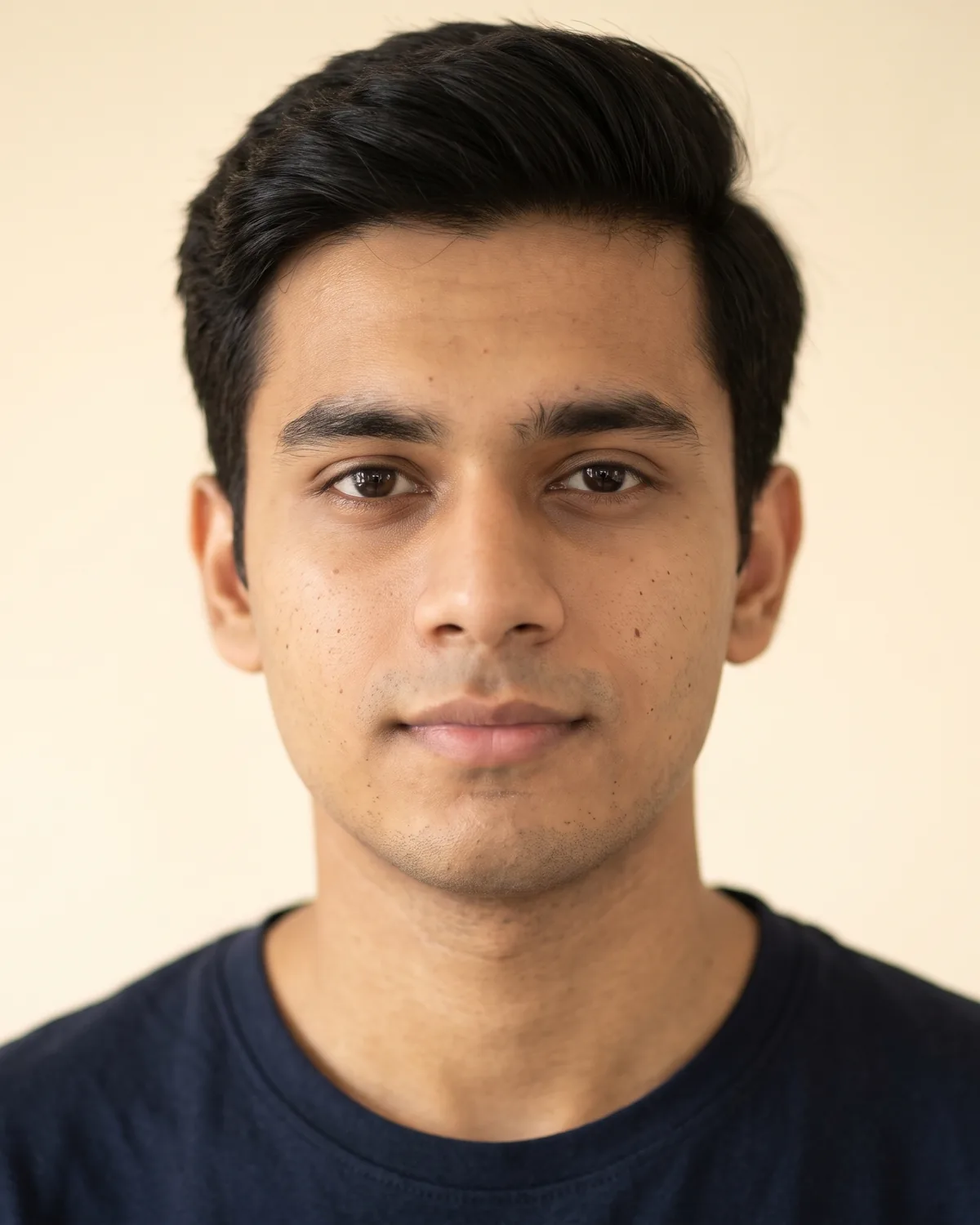
The people in the "before" photos are AI-generated, not real people. Every "after" image on this page is an AI edit made with the prompts below, tested in October 2026.
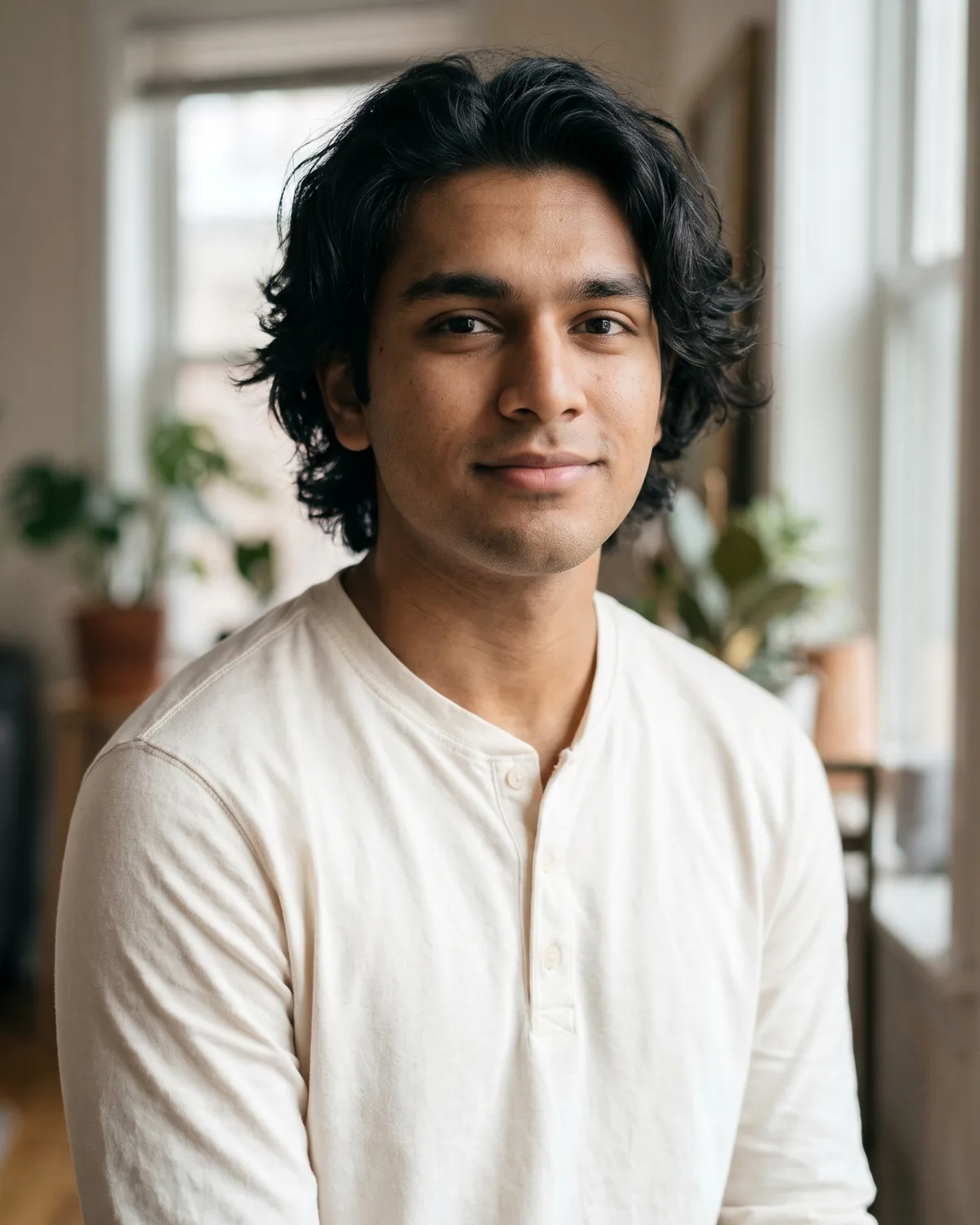
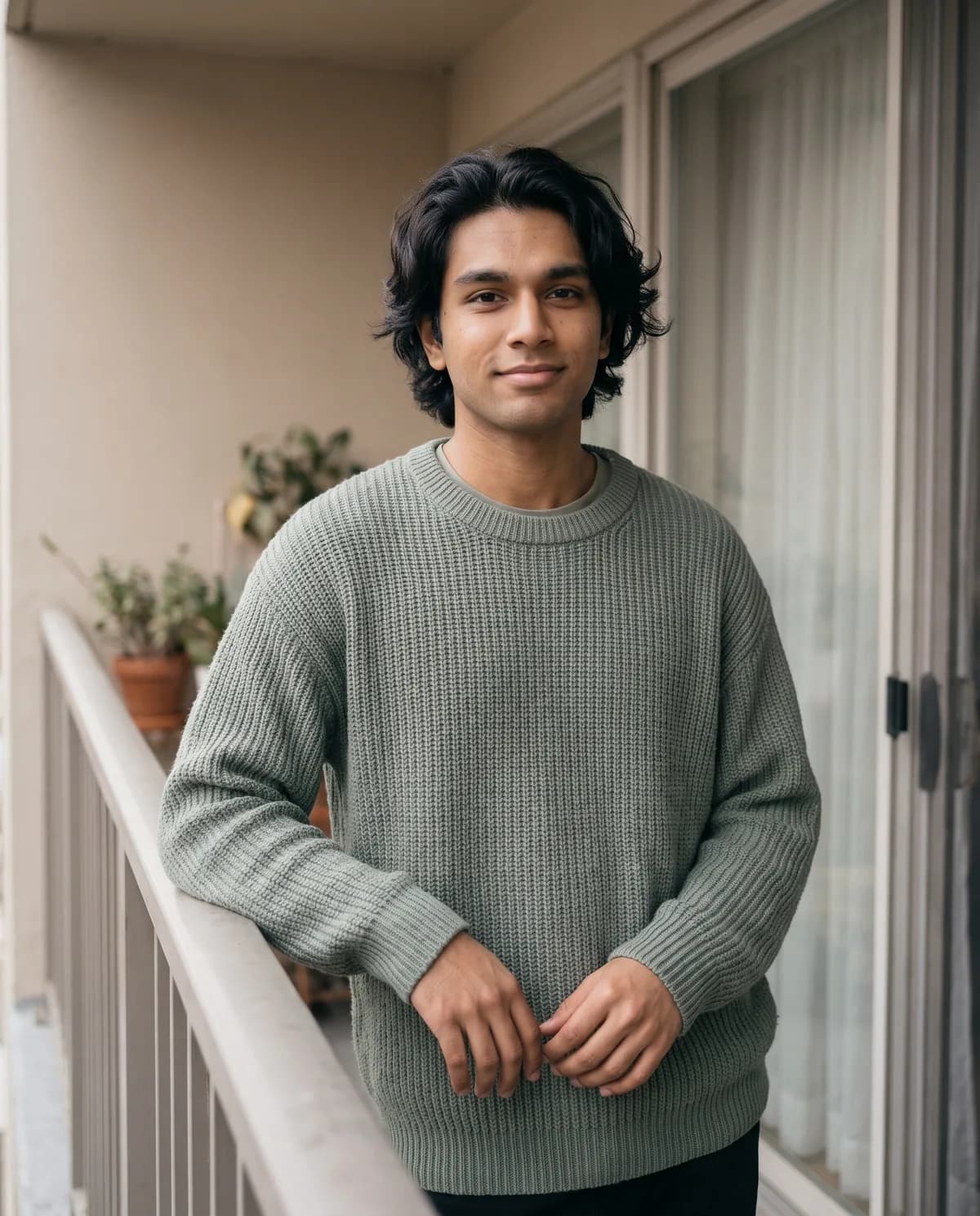
2. Aesthetic Soft-Light AI Photo Prompt for Boys
Muted-colour aesthetic balcony with soft window light.
Edit the uploaded portrait into an aesthetic soft-light balcony portrait of a boy. Use the main person in the source image as the person. Follow the selected source-preservation settings: preserve their recognizable identity, proportions, defining features, expression. Keep the person exactly recognizable as the uploaded person: same face shape, eyes, nose, lips, eyebrows, hairstyle and hairline, hair color, any beard, glasses, or head covering, apparent age, and exact skin tone; do not lighten the skin, change ethnicity, de-age, age up, slim, beautify, or replace the face. Make it a realistic high-resolution photograph with natural skin texture, true-to-life fabric detail, and believable depth of field. If clothing is not preserved, dress them in a soft oversized plain knit sweater or a muted linen shirt over a simple tee, in beige, sage or dusty blue; keep any existing head covering. If pose is not preserved, show him standing by the balcony window, one hand resting on the railing, looking gently toward the camera with a soft closed-mouth smile. Light him with soft diffused window light and muted shadows; keep colours desaturated and calm. Apply warm aesthetic color grading. Replace the background with quiet apartment balcony with a soft sheer curtain, muted beige walls and gentle window light, keeping clean edges around hair and clothing. Show natural hands with five fingers each. Add no text or lettering anywhere. Do not add extra people, watermarks, brand names, logos, characters, or licensed decorations; keep clothing modest, plain, and unbranded. Compose for 4:5 Portrait without cropping important facial features.
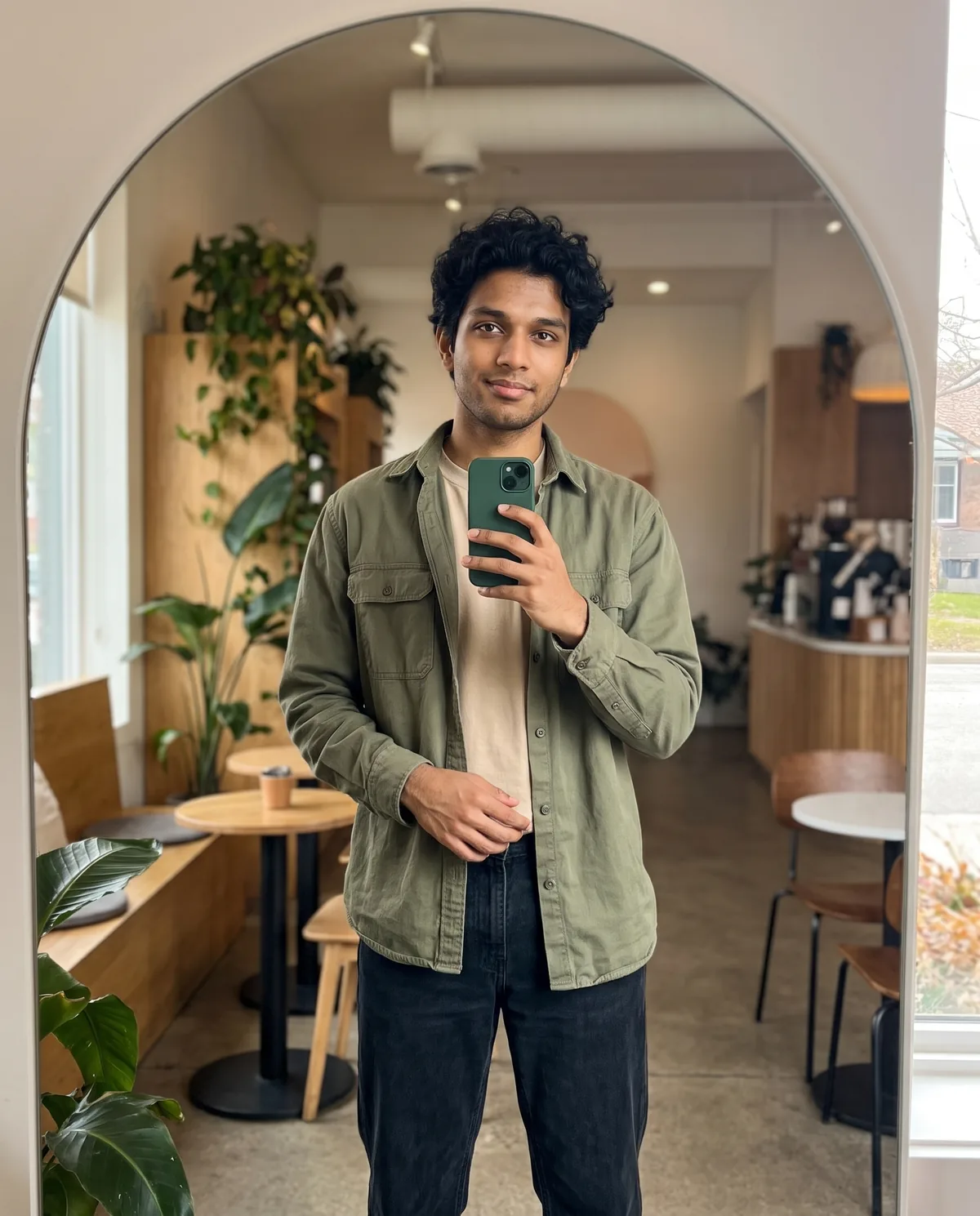
3. Modern Cafe Mirror Selfie AI Photo Prompt for Boys
Modern cafe mirror selfie, phone in frame optional, natural colour.
Edit the uploaded portrait into a modern cafe mirror selfie of a boy. Use the main person in the source image as the person. Follow the selected source-preservation settings: preserve their recognizable identity, proportions, defining features, expression. Keep the person exactly recognizable as the uploaded person: same face shape, eyes, nose, lips, eyebrows, hairstyle and hairline, hair color, any beard, glasses, or head covering, apparent age, and exact skin tone; do not lighten the skin, change ethnicity, de-age, age up, slim, beautify, or replace the face. Make it a realistic high-resolution photograph with natural skin texture, true-to-life fabric detail, and believable depth of field. If clothing is not preserved, dress them in a neat casual-smart look: a plain oversized shirt or light sweater over a tee, straight jeans, unbranded; keep any existing head covering. If pose is not preserved, show his reflection in a full-length cafe mirror, holding a plain phone case with no logo at chest height so the face stays fully visible, the other hand relaxed, soft natural smile. Light him with soft cafe daylight from a side window; keep colours natural and modern, not oversaturated. Apply soft warm natural color grading. Replace the background with modern cafe interior with an arched mirror, warm wood, plants and soft daylight through a window, keeping clean edges around hair and clothing. Show natural hands with five fingers each. Add no text or lettering anywhere. Do not add extra people, watermarks, brand names, logos, characters, or licensed decorations; keep clothing modest, plain, and unbranded. Compose for 4:5 Portrait without cropping important facial features.
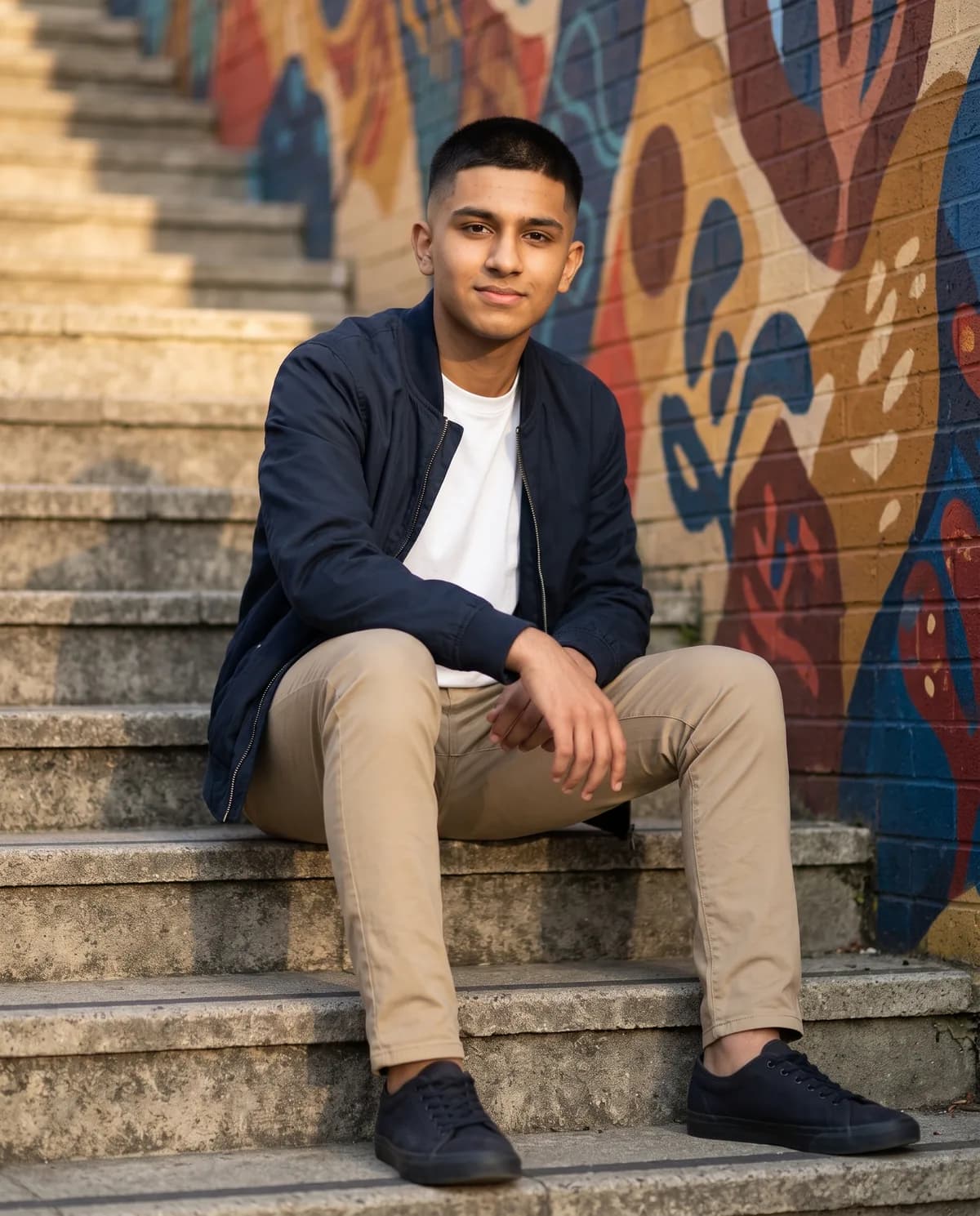
4. Stylish Boy Outdoor Stairs Mural AI Photo Prompt
Outfit-forward outdoor stairs or mural portrait, DP-ready crop.
Edit the uploaded portrait into a stylish outdoor stairs portrait of a boy, outfit-forward. Use the main person in the source image as the person. Follow the selected source-preservation settings: preserve their recognizable identity, proportions, defining features, expression. Keep the person exactly recognizable as the uploaded person: same face shape, eyes, nose, lips, eyebrows, hairstyle and hairline, hair color, any beard, glasses, or head covering, apparent age, and exact skin tone; do not lighten the skin, change ethnicity, de-age, age up, slim, beautify, or replace the face. Make it a realistic high-resolution photograph with natural skin texture, true-to-life fabric detail, and believable depth of field. If clothing is not preserved, dress them in a coordinated casual look: a fitted solid shirt or light bomber over a tee, clean chinos or jeans, plain sneakers with no logos; optionally a neat short kurta with jeans; keep any existing head covering. If pose is not preserved, show him sitting on outdoor stairs or standing mid-step beside a mural, body angled three-quarter, looking at the camera with a relaxed smile, outfit clearly visible from head to mid-calf. Light him with soft late-afternoon sun and gentle shadow falloff on the stairs. Apply warm golden evening color grading. Replace the background with outdoor concrete stairs beside a colourful abstract mural wall with soft late-afternoon light, keeping clean edges around hair and clothing. Show natural hands with five fingers each. Add no text or lettering anywhere. Do not add extra people, watermarks, brand names, logos, characters, or licensed decorations; keep clothing modest, plain, and unbranded. Compose for 4:5 Portrait without cropping important facial features.
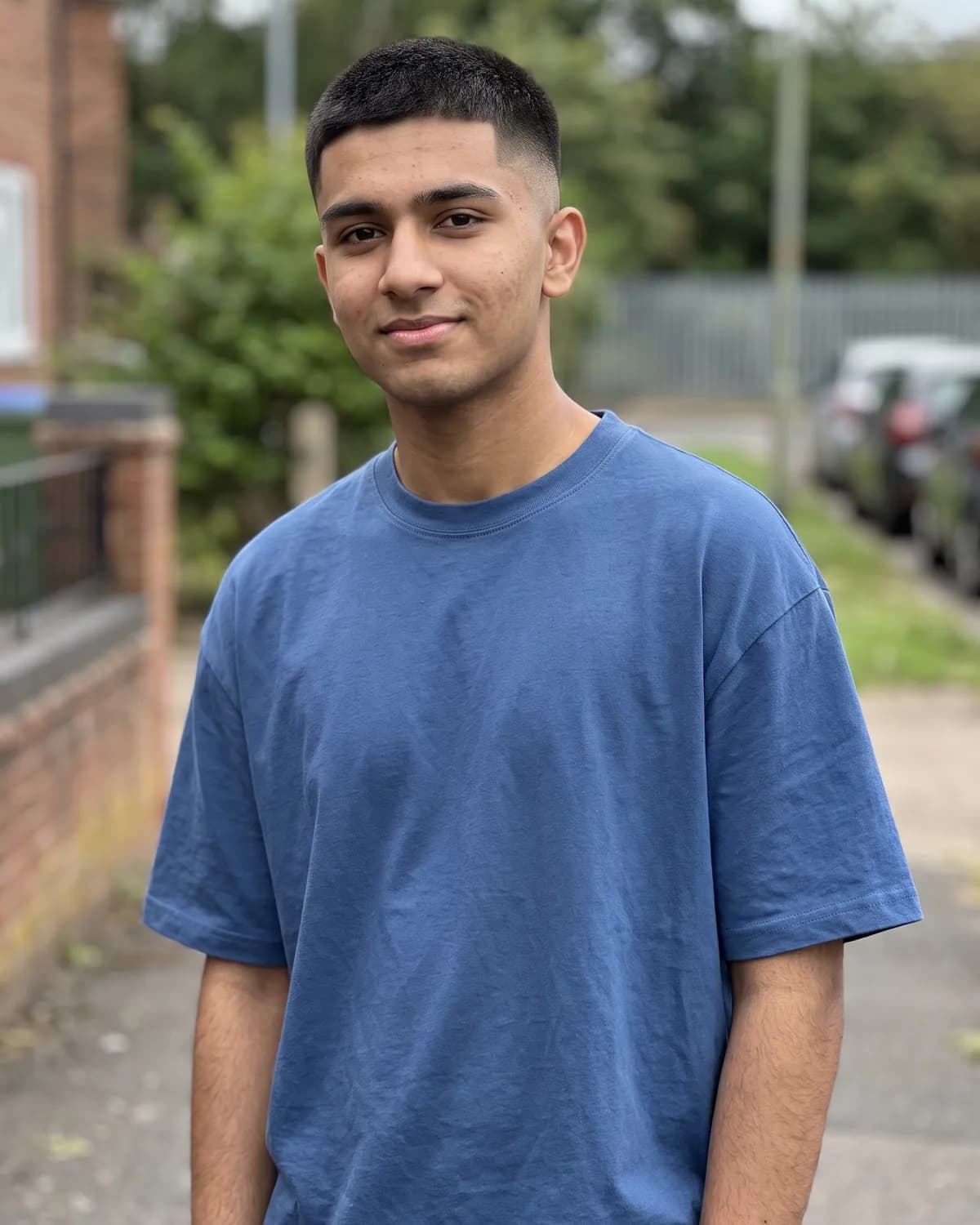
5. Free Stylish Editor Portrait AI Photo Prompt for Boys
Simple polished free stylish editor portrait that keeps your real face.
Edit the uploaded portrait into a simple polished stylish editor portrait of a boy. Use the main person in the source image as the person. Follow the selected source-preservation settings: preserve their recognizable identity, proportions, defining features, expression. Keep the person exactly recognizable as the uploaded person: same face shape, eyes, nose, lips, eyebrows, hairstyle and hairline, hair color, any beard, glasses, or head covering, apparent age, and exact skin tone; do not lighten the skin, change ethnicity, de-age, age up, slim, beautify, or replace the face. Make it a realistic high-resolution photograph with natural skin texture, true-to-life fabric detail, and believable depth of field. If clothing is not preserved, dress them in a clean plain button-up shirt in white, light blue or soft grey, sleeves neat; keep any existing head covering. If pose is not preserved, show a calm chest-up portrait facing the camera with a natural slight smile, shoulders relaxed, face centred and sharp. Light him with soft even studio light and gentle catchlights in the eyes; keep skin texture natural. Apply warm natural neutral color grading. Replace the background with soft beige studio backdrop, keeping clean edges around hair and clothing. Show natural hands with five fingers each. Add no text or lettering anywhere. Do not add extra people, watermarks, brand names, logos, characters, or licensed decorations; keep clothing modest, plain, and unbranded. Compose for 4:5 Portrait without cropping important facial features.
Stylish AI Photo Prompts for Men and Suits
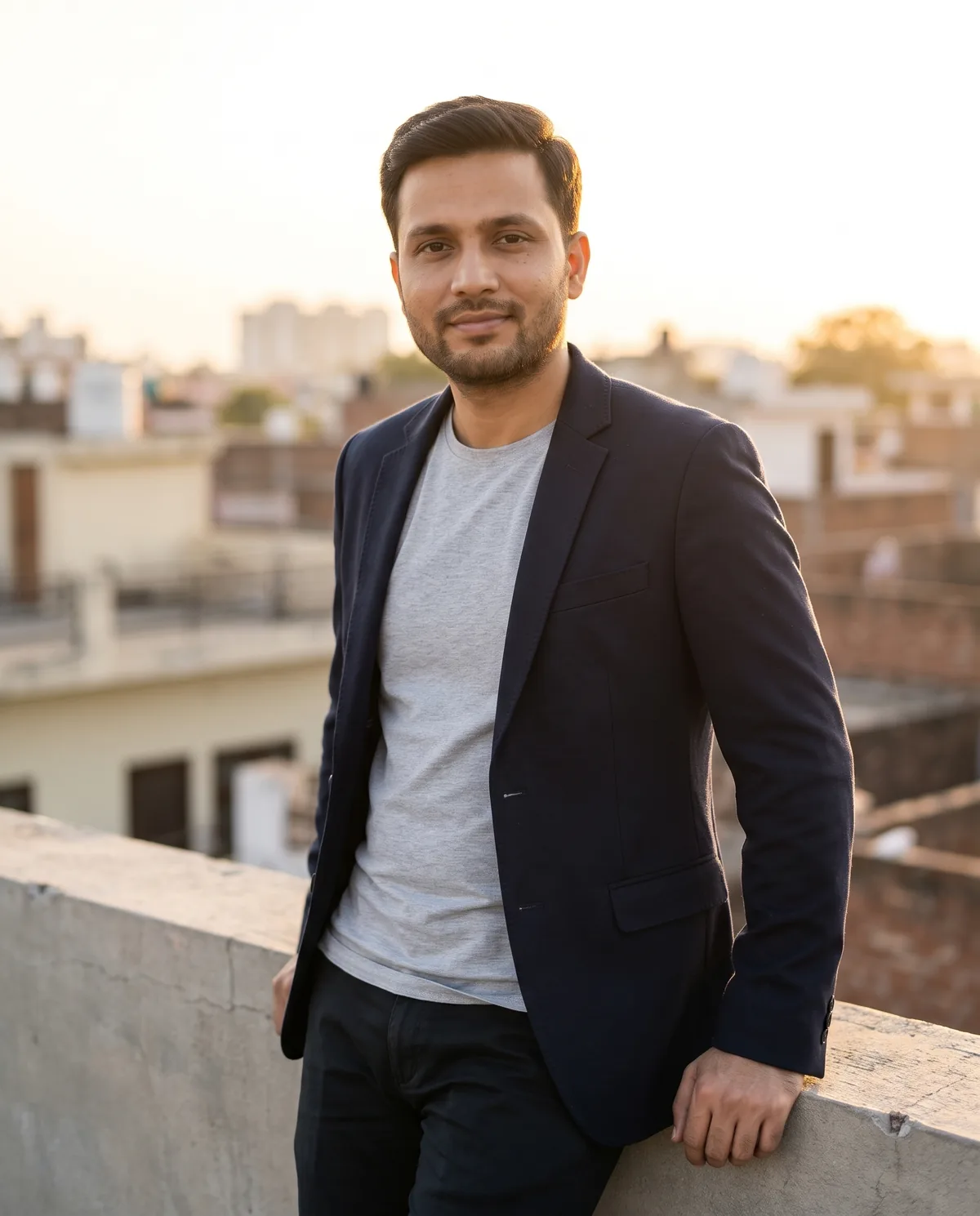
6. Stylish AI Photo Prompt for Men (Rooftop Blazer)
Rooftop golden-hour open blazer lifestyle, not LinkedIn or CV.
Edit the uploaded portrait into a stylish golden-hour rooftop lifestyle portrait of a man (fashion, not a CV or LinkedIn headshot). Use the main person in the source image as the person. Follow the selected source-preservation settings: preserve their recognizable identity, proportions, defining features, expression. Keep the person exactly recognizable as the uploaded person: same face shape, eyes, nose, lips, eyebrows, hairstyle and hairline, hair color, any beard, glasses, or head covering, apparent age, and exact skin tone; do not lighten the skin, change ethnicity, de-age, age up, slim, beautify, or replace the face. Make it a realistic high-resolution photograph with natural skin texture, true-to-life fabric detail, and believable depth of field. If clothing is not preserved, dress them in a tailored open blazer over a plain crew-neck tee or open-collar shirt, slim trousers, no tie; keep any existing head covering. If pose is not preserved, show him leaning casually against a low rooftop ledge, three-quarter body visible, looking toward the camera with a calm confident smile, never a tight passport crop. Light him with warm golden-hour sun from the side and a soft rim light on hair and shoulders. Apply luminous golden-hour warmth color grading. Replace the background with city rooftop terrace at golden hour with soft skyline bokeh, warm sky and a low concrete ledge, keeping clean edges around hair and clothing. Show natural hands with five fingers each. Add no text or lettering anywhere. Do not add extra people, watermarks, brand names, logos, characters, or licensed decorations; keep clothing modest, plain, and unbranded. Compose for 4:5 Portrait without cropping important facial features.

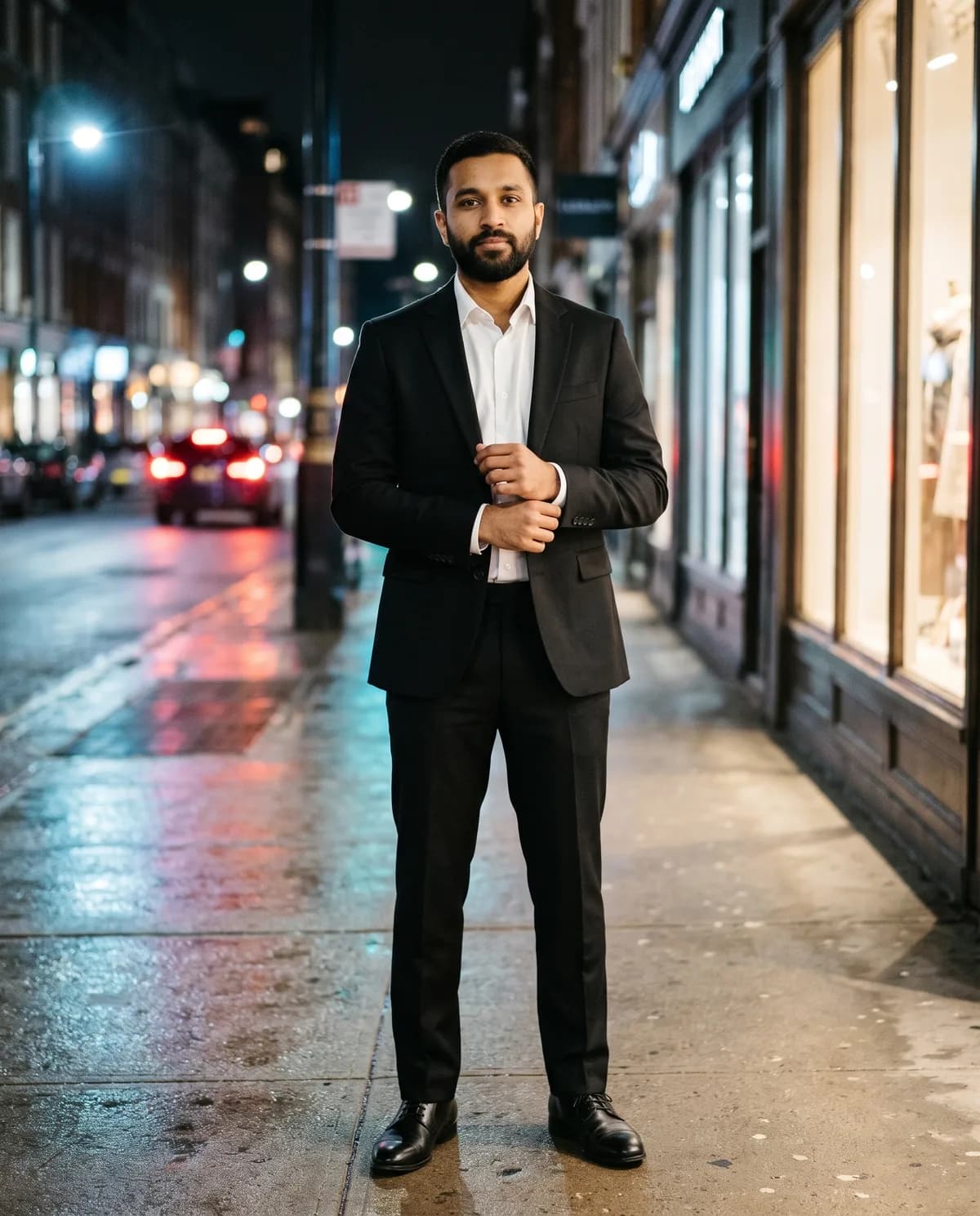
7. Black Suit City Night AI Photo Prompt for Men
Full-body black suit on a lit city street at night, fashion not headshot.
Edit the uploaded portrait into a full-body black-suit fashion portrait on a city street at night (lifestyle fashion, not a LinkedIn or CV headshot). Use the main person in the source image as the person. Follow the selected source-preservation settings: preserve their recognizable identity, proportions, defining features, expression. Keep the person exactly recognizable as the uploaded person: same face shape, eyes, nose, lips, eyebrows, hairstyle and hairline, hair color, any beard, glasses, or head covering, apparent age, and exact skin tone; do not lighten the skin, change ethnicity, de-age, age up, slim, beautify, or replace the face. Make it a realistic high-resolution photograph with natural skin texture, true-to-life fabric detail, and believable depth of field. If clothing is not preserved, dress them in a tailored plain black suit, crisp white shirt, no tie or a thin plain black tie, polished black shoes with no logos; keep any existing head covering. If pose is not preserved, show him standing full-body on the sidewalk, facing the camera, one hand adjusting a cuff or in a pocket, confident upright posture, head to toe in frame. Light him with cool streetlight and warm shop-window fill so the face stays clear and the suit fabric shows texture. Apply warm cinematic night color grading. Replace the background with lit city street at night with shop-window glow, wet pavement reflections and soft bokeh lights, keeping clean edges around hair and clothing. Show natural hands with five fingers each. Add no text or lettering anywhere. Do not add extra people, watermarks, brand names, logos, characters, or licensed decorations; keep clothing modest, plain, and unbranded. Compose for 4:5 Portrait without cropping important facial features.
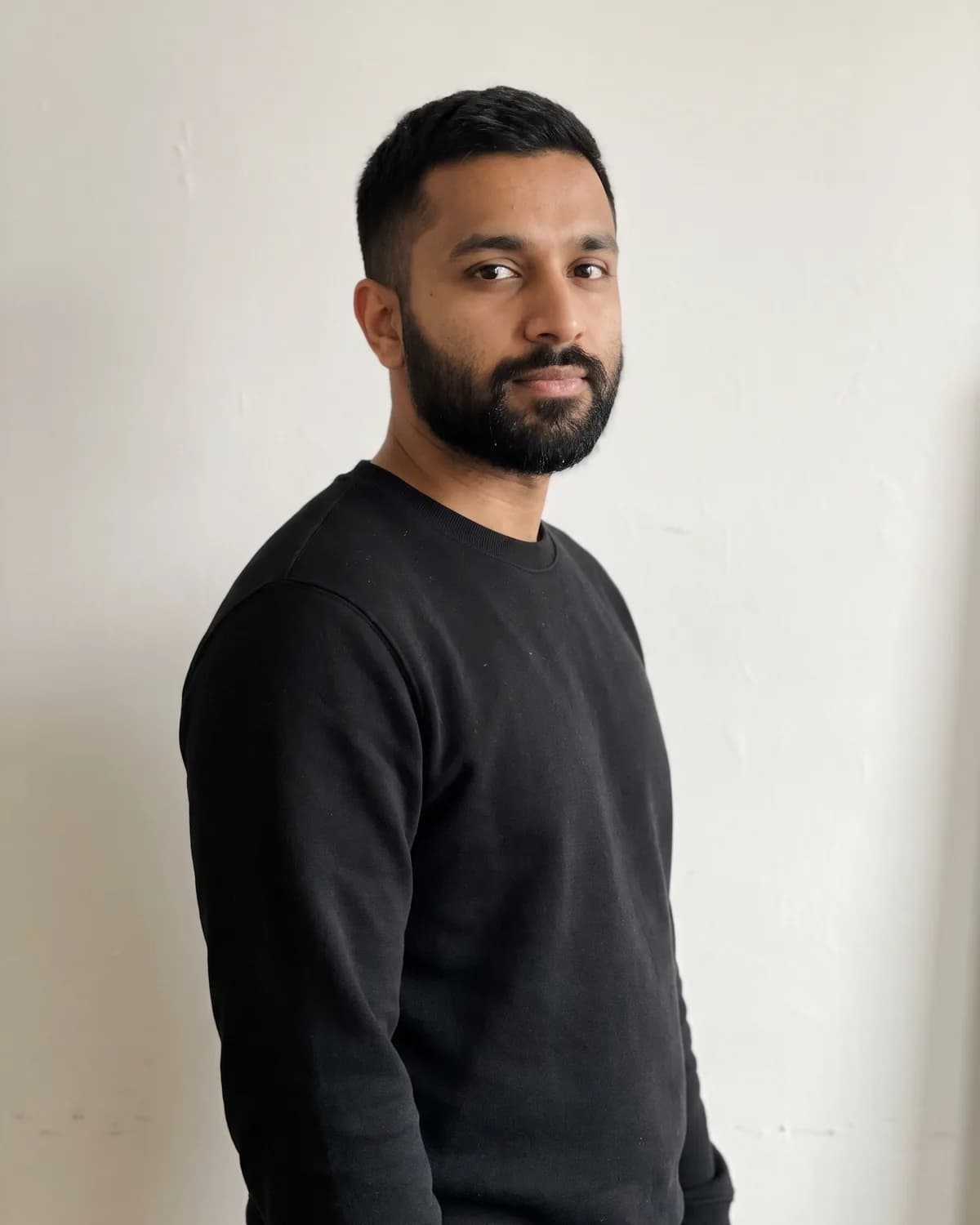
8. Cool Editorial Low-Angle AI Photo Prompt for Men
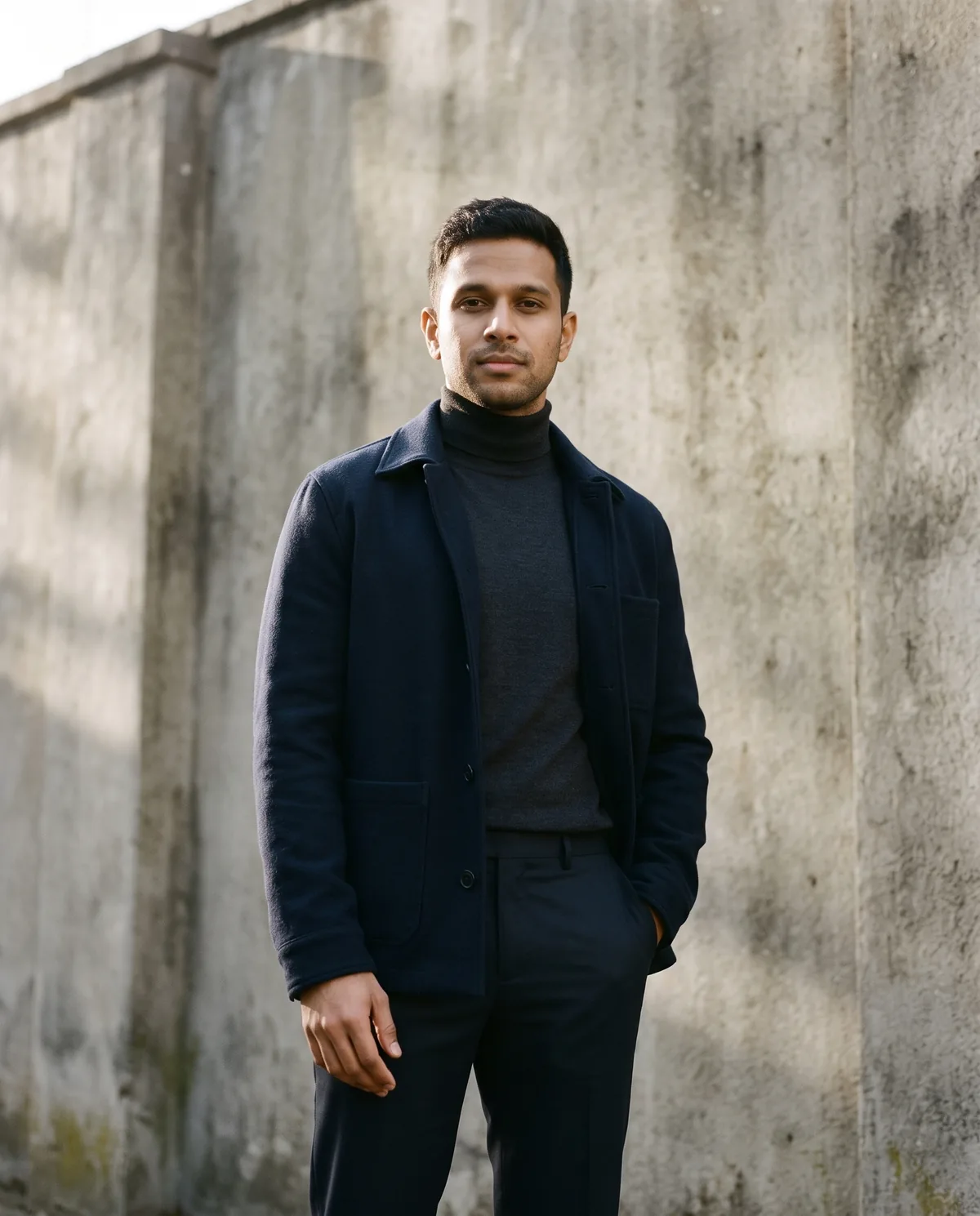
Cool fashion editorial low-angle against a concrete wall, no sunglasses.
Edit the uploaded portrait into a cool fashion-editorial portrait of a man shot from a slight low angle against a wall (no sunglasses, not an attitude or tough-guy look). Use the main person in the source image as the person. Follow the selected source-preservation settings: preserve their recognizable identity, proportions, defining features, expression. Keep the person exactly recognizable as the uploaded person: same face shape, eyes, nose, lips, eyebrows, hairstyle and hairline, hair color, any beard, glasses, or head covering, apparent age, and exact skin tone; do not lighten the skin, change ethnicity, de-age, age up, slim, beautify, or replace the face. Make it a realistic high-resolution photograph with natural skin texture, true-to-life fabric detail, and believable depth of field. If clothing is not preserved, dress them in a layered fashion look: a plain structured jacket over a turtleneck or oxford shirt and dark tailored trousers, all unbranded; keep any existing head covering. Do not add sunglasses, shades, or eyewear that hides the eyes (keep only glasses already in the source). If pose is not preserved, show him standing against the wall, camera slightly below eye level, one shoulder angled forward, hands relaxed at his sides or one hand in a pocket, calm composed expression — never crossed arms in a tough stance, never sneering. Light him with soft directional afternoon light and a gentle rim, keeping the face fully visible. Apply elegant warm editorial color grading. Replace the background with tall textured concrete wall in soft afternoon light with subtle shadow falloff, keeping clean edges around hair and clothing. Show natural hands with five fingers each. Add no text or lettering anywhere. Do not add extra people, watermarks, brand names, logos, characters, or licensed decorations; keep clothing modest, plain, and unbranded. Compose for 4:5 Portrait without cropping important facial features.
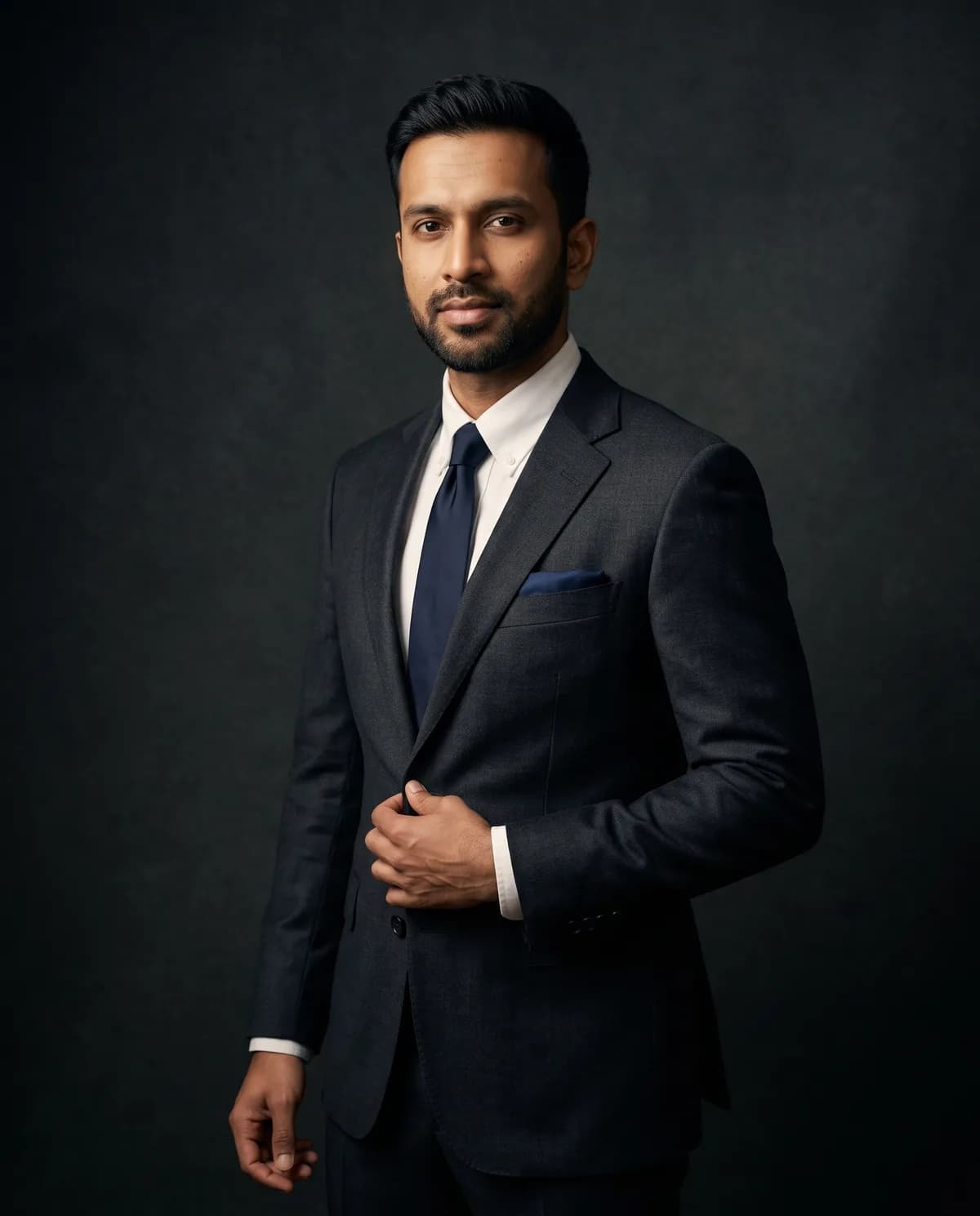
9. Men Suit Photoshoot AI Photo Prompt (Fashion)
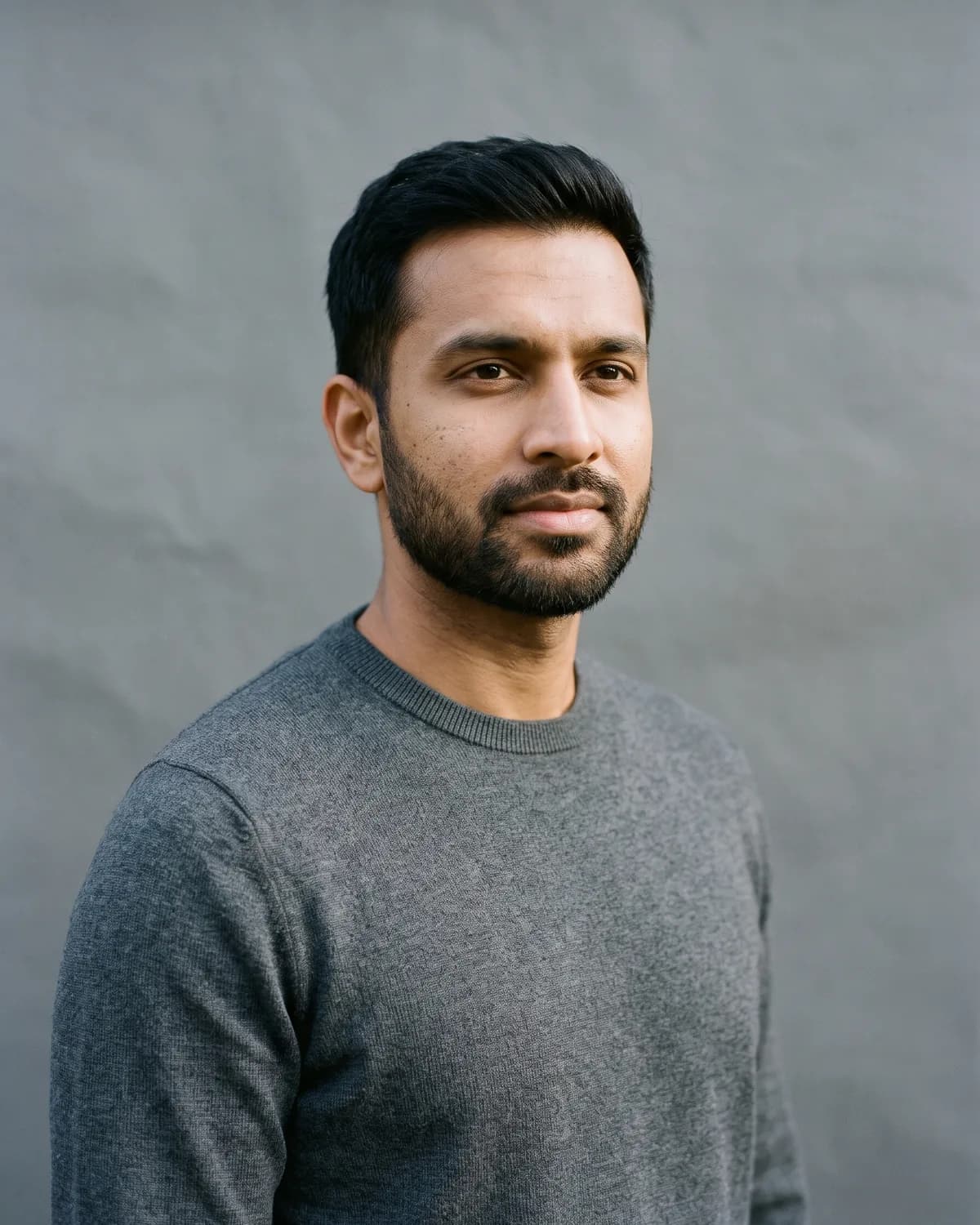
Three-quarter suit photoshoot with fashion lighting, not plain office.
Edit the uploaded portrait into a three-quarter fashion photoshoot of a man in a suit (fashion lighting, not a plain office or LinkedIn headshot). Use the main person in the source image as the person. Follow the selected source-preservation settings: preserve their recognizable identity, proportions, defining features, expression. Keep the person exactly recognizable as the uploaded person: same face shape, eyes, nose, lips, eyebrows, hairstyle and hairline, hair color, any beard, glasses, or head covering, apparent age, and exact skin tone; do not lighten the skin, change ethnicity, de-age, age up, slim, beautify, or replace the face. Make it a realistic high-resolution photograph with natural skin texture, true-to-life fabric detail, and believable depth of field. If clothing is not preserved, dress them in a tailored navy or charcoal suit with a plain white or soft-blue shirt, optional thin plain tie, pocket square optional and unbranded; keep any existing head covering. If pose is not preserved, show him from mid-thigh up in a three-quarter turn toward the camera, one hand lightly adjusting the jacket lapel, composed editorial expression. Light him with a soft fashion key light, gentle fill and a subtle rim — never flat office fluorescent light. Apply elegant warm editorial color grading. Replace the background with soft charcoal fashion studio backdrop with a gentle gradient and subtle rim light, keeping clean edges around hair and clothing. Show natural hands with five fingers each. Add no text or lettering anywhere. Do not add extra people, watermarks, brand names, logos, characters, or licensed decorations; keep clothing modest, plain, and unbranded. Compose for 4:5 Portrait without cropping important facial features.
Stylish AI Photo Prompts for Girls and Women
These four modest looks use the same face-lock rules as the men and boys prompts, with covered necklines, sleeves, and logo-free styling.
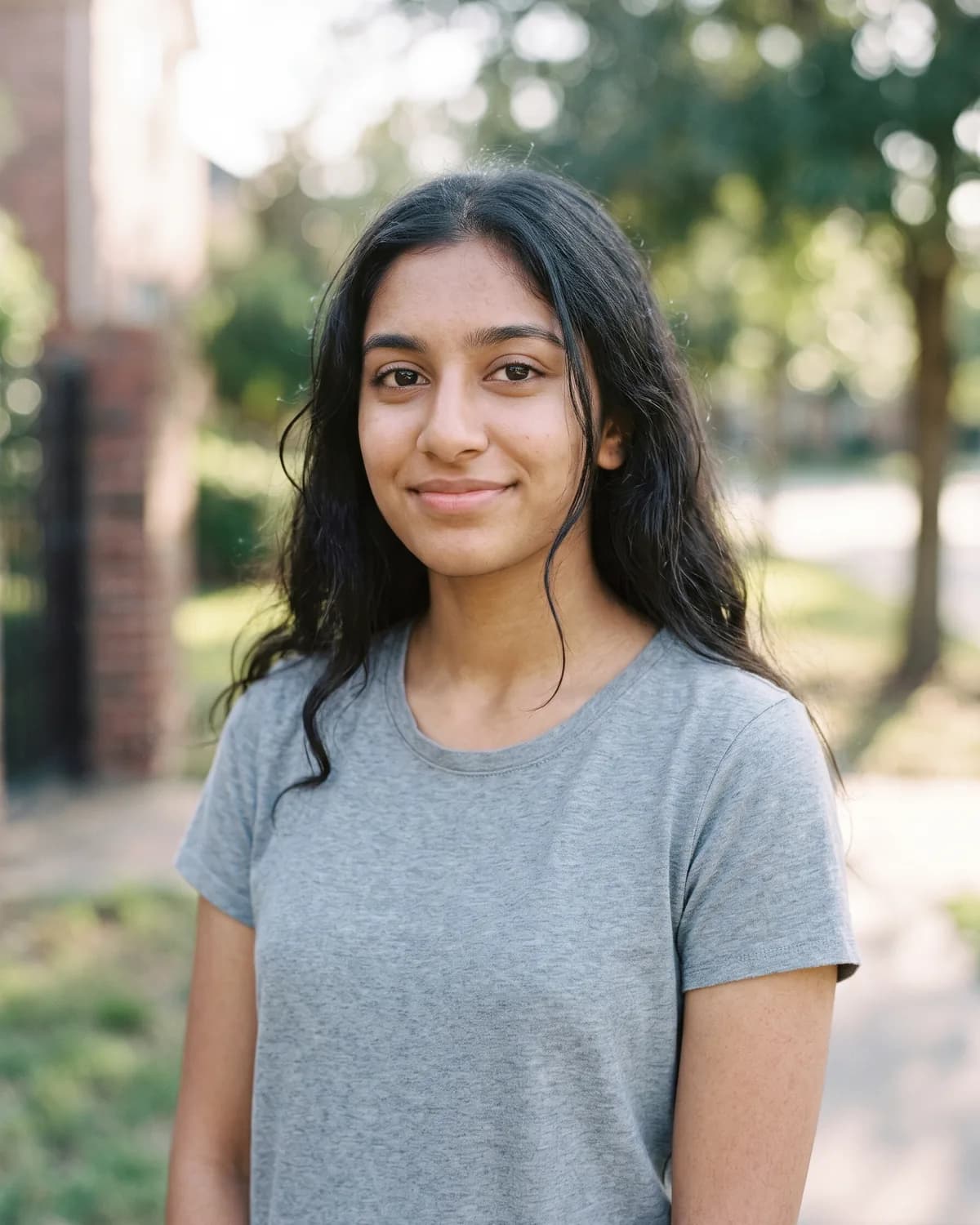
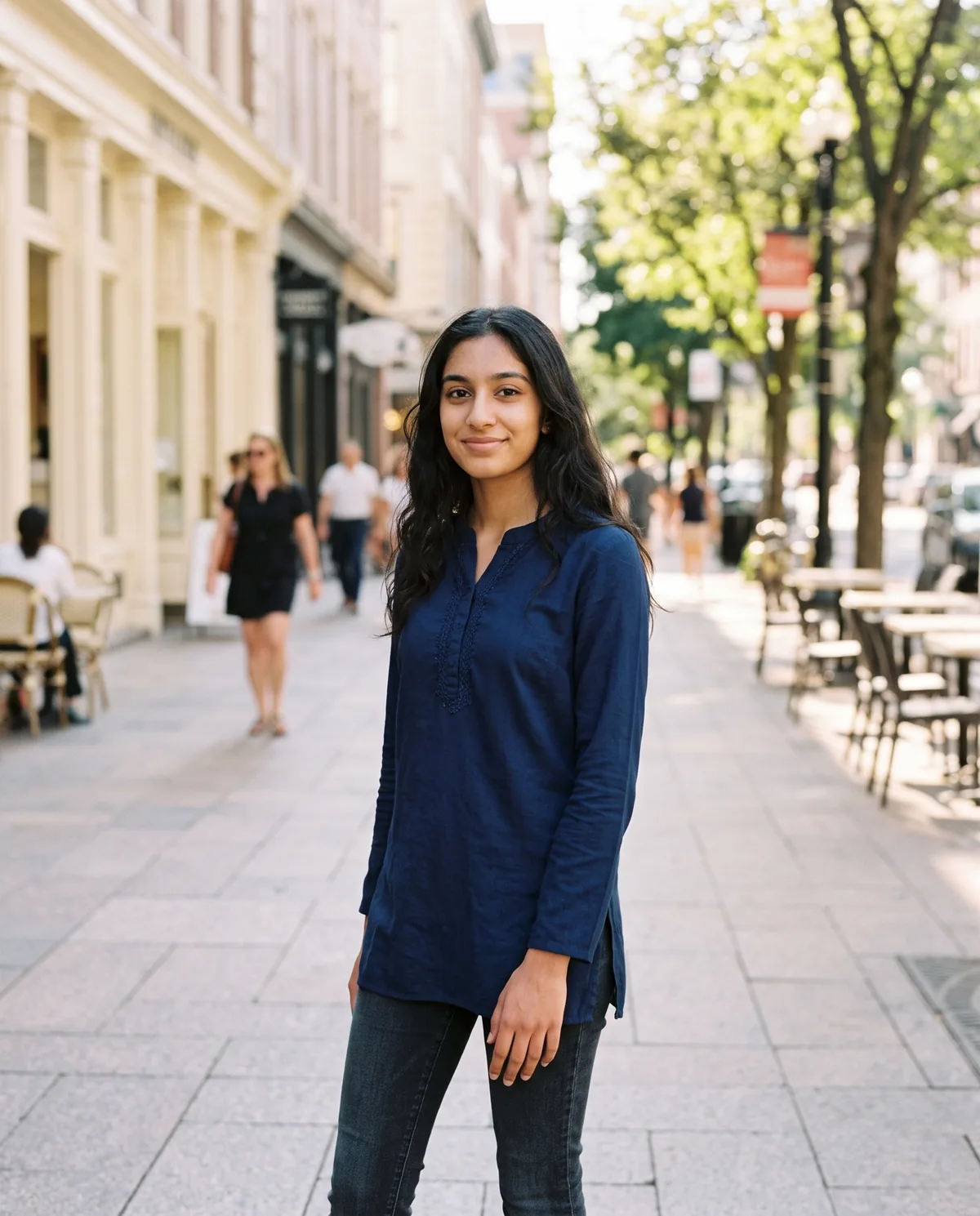
10. Stylish Girl Daylight Street AI Photo Prompt
Daylight stylish street portrait for girls, modest casual-smart, soft sun.
Edit the uploaded portrait into a bright daylight stylish street portrait of a young woman. Use the main person in the source image as the person. Follow the selected source-preservation settings: preserve their recognizable identity, proportions, defining features, expression. Keep the person exactly recognizable as the uploaded person: same face shape, eyes, nose, lips, eyebrows, hairstyle and hairline, hair color, any glasses or head covering, apparent age, and exact skin tone; do not lighten the skin, change ethnicity, de-age, age up, slim, beautify, or replace the face. Make it a realistic high-resolution photograph with natural skin texture, true-to-life fabric detail, and believable depth of field. If clothing is not preserved, dress them in a fitted plain blouse or a modest long-sleeve kurti in a solid muted color with slim jeans or chinos, optional light dupatta draped modestly; covered neckline and sleeves or three-quarter sleeves, no sheer fabric; keep any existing head covering. If pose is not preserved, show them standing on a bright city plaza sidewalk facing the camera with a relaxed, friendly expression, one hand lightly at their side, weight on one leg, full face visible. Light them with soft natural sunlight and gentle open shade on the face so skin tone stays true. Apply soft warm natural color grading. Replace the background with bright city plaza sidewalk in soft daylight with cream shopfronts and gentle blur, keeping clean edges around hair and clothing. Show natural hands with five fingers each. Add no text or lettering anywhere. Do not add extra people, watermarks, brand names, logos, characters, or licensed decorations; keep clothing modest, plain, and unbranded. Compose for 4:5 Portrait without cropping important facial features.
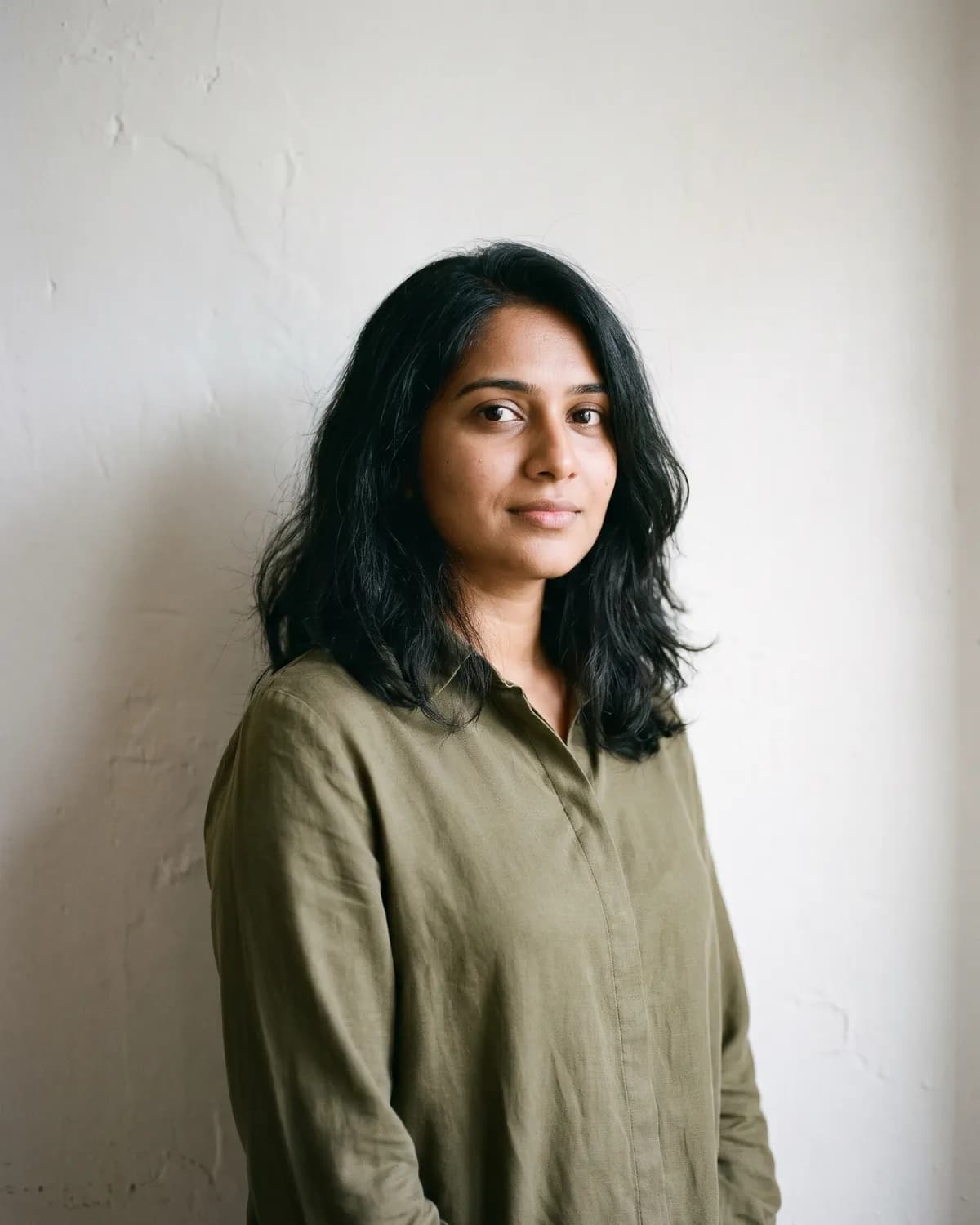
11. Cool Women Outdoor Editorial AI Photo Prompt
Muted outdoor fashion editorial for women; no sunglasses, attitude, car, bike or rose.
Edit the uploaded portrait into a cool outdoor fashion-editorial portrait of a woman against a plain wall (no sunglasses, not an attitude or tough-girl look, no car, bike or rose props). Use the main person in the source image as the person. Follow the selected source-preservation settings: preserve their recognizable identity, proportions, defining features, expression. Keep the person exactly recognizable as the uploaded person: same face shape, eyes, nose, lips, eyebrows, hairstyle and hairline, hair color, any glasses or head covering, apparent age, and exact skin tone; do not lighten the skin, change ethnicity, de-age, age up, slim, beautify, or replace the face. Make it a realistic high-resolution photograph with natural skin texture, true-to-life fabric detail, and believable depth of field. If clothing is not preserved, dress them in a muted outdoor fashion look: a plain structured jacket or long-sleeve blouse over tailored trousers or dark jeans, all unbranded; covered neckline and sleeves, no sheer fabric; keep any existing head covering. Do not add sunglasses, shades, or eyewear that hides the eyes (keep only glasses already in the source). If pose is not preserved, show them standing against a soft outdoor concrete wall, one shoulder angled slightly forward, hands relaxed at their sides or one hand lightly resting, calm composed expression — never crossed arms in a tough stance, never sneering, never attitude posing. Light them with soft muted daylight and a gentle shadow falloff, keeping the face fully visible. Apply cool muted editorial color grading. Replace the background with soft outdoor concrete wall with muted daylight and gentle shadow, keeping clean edges around hair and clothing. Show natural hands with five fingers each. Add no text or lettering anywhere. Do not add extra people, watermarks, brand names, logos, characters, or licensed decorations; keep clothing modest, plain, and unbranded. Compose for 4:5 Portrait without cropping important facial features.
12. Modern Girl Cafe Balcony AI Photo Prompt
Contemporary cafe or home balcony portrait, modest neckline and sleeves.
Edit the uploaded portrait into a modern cafe or home balcony portrait of a young woman. Use the main person in the source image as the person. Follow the selected source-preservation settings: preserve their recognizable identity, proportions, defining features, expression. Keep the person exactly recognizable as the uploaded person: same face shape, eyes, nose, lips, eyebrows, hairstyle and hairline, hair color, any glasses or head covering, apparent age, and exact skin tone; do not lighten the skin, change ethnicity, de-age, age up, slim, beautify, or replace the face. Make it a realistic high-resolution photograph with natural skin texture, true-to-life fabric detail, and believable depth of field. If clothing is not preserved, dress them in a contemporary casual-smart look: a neat long-sleeve blouse or soft knit sweater with modest neckline, tailored trousers or jeans, unbranded; sleeves covering the arms or three-quarter length, no sheer fabric; keep any existing head covering. If pose is not preserved, show them standing on a modern cafe or home balcony, one hand resting lightly on the railing, looking gently toward the camera with a calm soft smile, three-quarter body visible. Light them with soft natural daylight and gentle open shade on the face. Apply soft warm natural color grading. Replace the background with modern cafe balcony with soft daylight, railing and gentle city blur, keeping clean edges around hair and clothing. Show natural hands with five fingers each. Add no text or lettering anywhere. Do not add extra people, watermarks, brand names, logos, characters, or licensed decorations; keep clothing modest, plain, and unbranded. Compose for 4:5 Portrait without cropping important facial features.
13. Stylish Girl Instagram DP AI Photo Prompt
Polished Instagram DP portrait with soft window light; solo only, no couple.
Edit the uploaded portrait into a polished stylish Instagram DP portrait of a young woman (solo portrait only — do not add a couple or second person). Use the main person in the source image as the person. Follow the selected source-preservation settings: preserve their recognizable identity, proportions, defining features, expression. Keep the person exactly recognizable as the uploaded person: same face shape, eyes, nose, lips, eyebrows, hairstyle and hairline, hair color, any glasses or head covering, apparent age, and exact skin tone; do not lighten the skin, change ethnicity, de-age, age up, slim, beautify, or replace the face. Make it a realistic high-resolution photograph with natural skin texture, true-to-life fabric detail, and believable depth of field. If clothing is not preserved, dress them in a simple polished look: a plain crew-neck or modest collared blouse in a soft solid colour with covered neckline; keep any existing head covering. If pose is not preserved, show a tight head-and-shoulders close-up looking straight at the camera with a calm, confident expression, eyes sharp and face centred for a profile picture. Light them with soft warm window light that keeps natural skin texture visible — no heavy beauty filter, no skin lightening. Apply warm natural neutral color grading. Replace the background with soft out-of-focus warm cream window-lit backdrop, keeping clean edges around hair and clothing. Show natural hands with five fingers each. Add no text or lettering anywhere. Do not add extra people, watermarks, brand names, logos, characters, or licensed decorations; keep clothing modest, plain, and unbranded. Compose for 1:1 Square without cropping important facial features.
Stylish Instagram DP Prompts
14. Handsome Boy Close-Up DP Stylish AI Photo Prompt
Tight handsome close-up DP portrait with clean natural skin texture.
Edit the uploaded portrait into a handsome close-up DP portrait of a boy. Use the main person in the source image as the person. Follow the selected source-preservation settings: preserve their recognizable identity, proportions, defining features, expression. Keep the person exactly recognizable as the uploaded person: same face shape, eyes, nose, lips, eyebrows, hairstyle and hairline, hair color, any beard, glasses, or head covering, apparent age, and exact skin tone; do not lighten the skin, change ethnicity, de-age, age up, slim, beautify, or replace the face. Make it a realistic high-resolution photograph with natural skin texture, true-to-life fabric detail, and believable depth of field. If clothing is not preserved, dress them in a plain dark crew-neck tee or a simple collared shirt in a solid colour; keep any existing head covering. If pose is not preserved, show a tight head-and-shoulders close-up looking straight at the camera with a calm, confident expression, eyes sharp and face centred for a profile picture. Light him with soft even frontal light that keeps natural skin texture visible — no heavy beauty filter, no skin lightening. Apply warm natural neutral color grading. Replace the background with soft out-of-focus warm cream studio backdrop, keeping clean edges around hair and clothing. Show natural hands with five fingers each. Add no text or lettering anywhere. Do not add extra people, watermarks, brand names, logos, characters, or licensed decorations; keep clothing modest, plain, and unbranded. Compose for 1:1 Square without cropping important facial features.
Tips to Keep Your Real Face
- Start with a large, sharp face in even light.
- Keep the exact skin-tone, age, hairstyle, beard, glasses, and head-covering lines.
- Avoid beauty filters before uploading.
- Repair one detail in a follow-up instead of regenerating the whole scene.
FAQ
Are these stylish AI photo prompts free?
Yes. The prompts are free to copy and paste; the image editor may apply its own usage limits.
How do I use a stylish AI photo prompt in Gemini?
Attach one photo, paste the chosen prompt in the same message, and keep the face-preservation sentence.
Do stylish photo prompts work in ChatGPT?
Yes. Attach the source image with the same prompt and ask for one correction at a time if a detail drifts.
Which look is trending for boys?
Daylight street, rooftop blazer, black suit, aesthetic balcony, and outdoor stairs are strong stylish choices. Car, rose, bike, and attitude looks stay in the Trending Boys guide.
Where can I make a CV headshot?
Use the headshot and CV photo prompts; the suit looks here are fashion portraits, not job-profile crops.
More AI Photo Looks
- Keep identity more consistent with How to Keep Your Face the Same.
- Browse more Cinematic styles.
AI tools change often. If a prompt stops working as described, use the contact page.