Plain language
Describe the look clearly so visitors know what the prompt is meant to do.
How it works
Choose a style, personalize its proven prompt, then use it with the AI editor you trust. You stay in control of what matters.
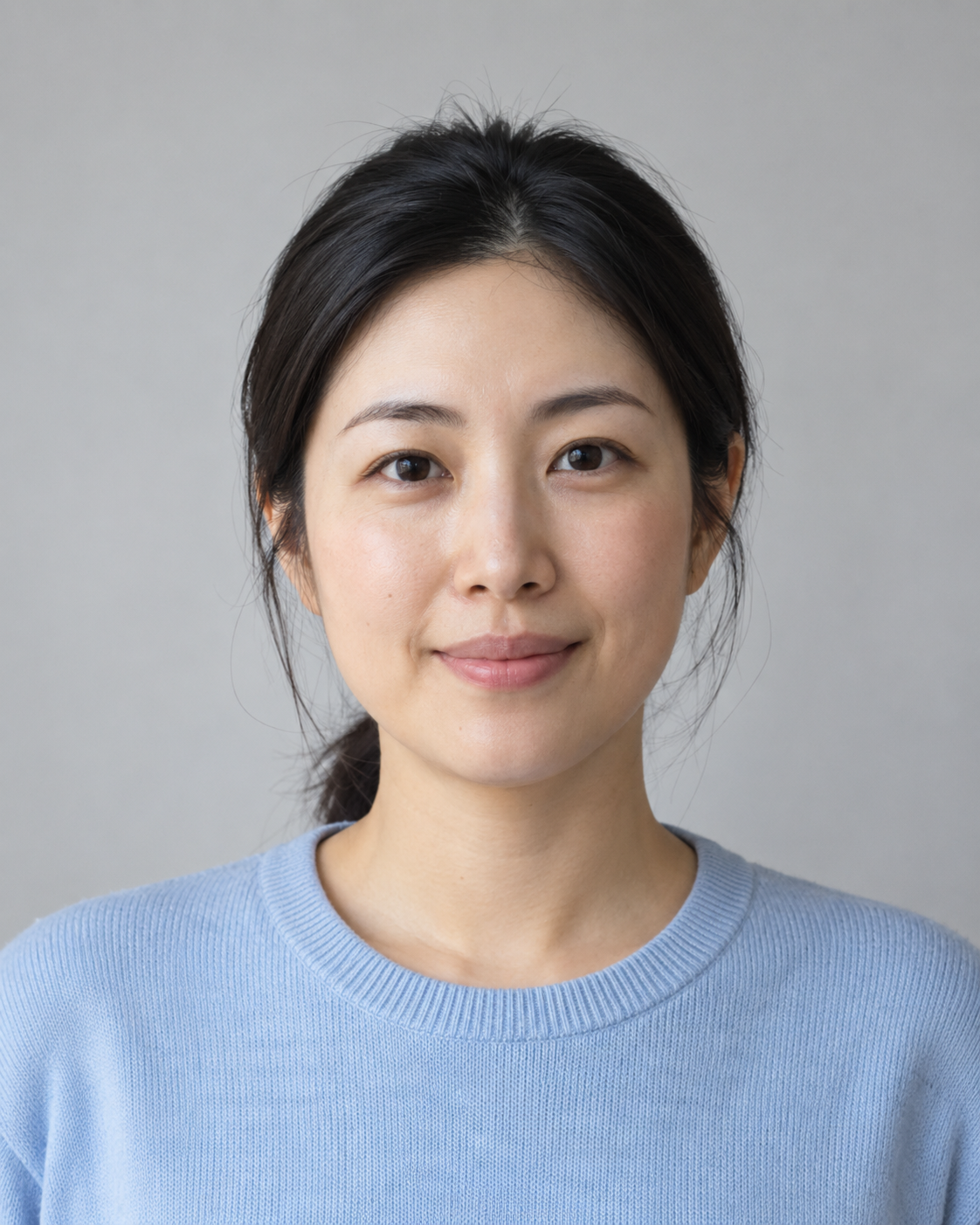
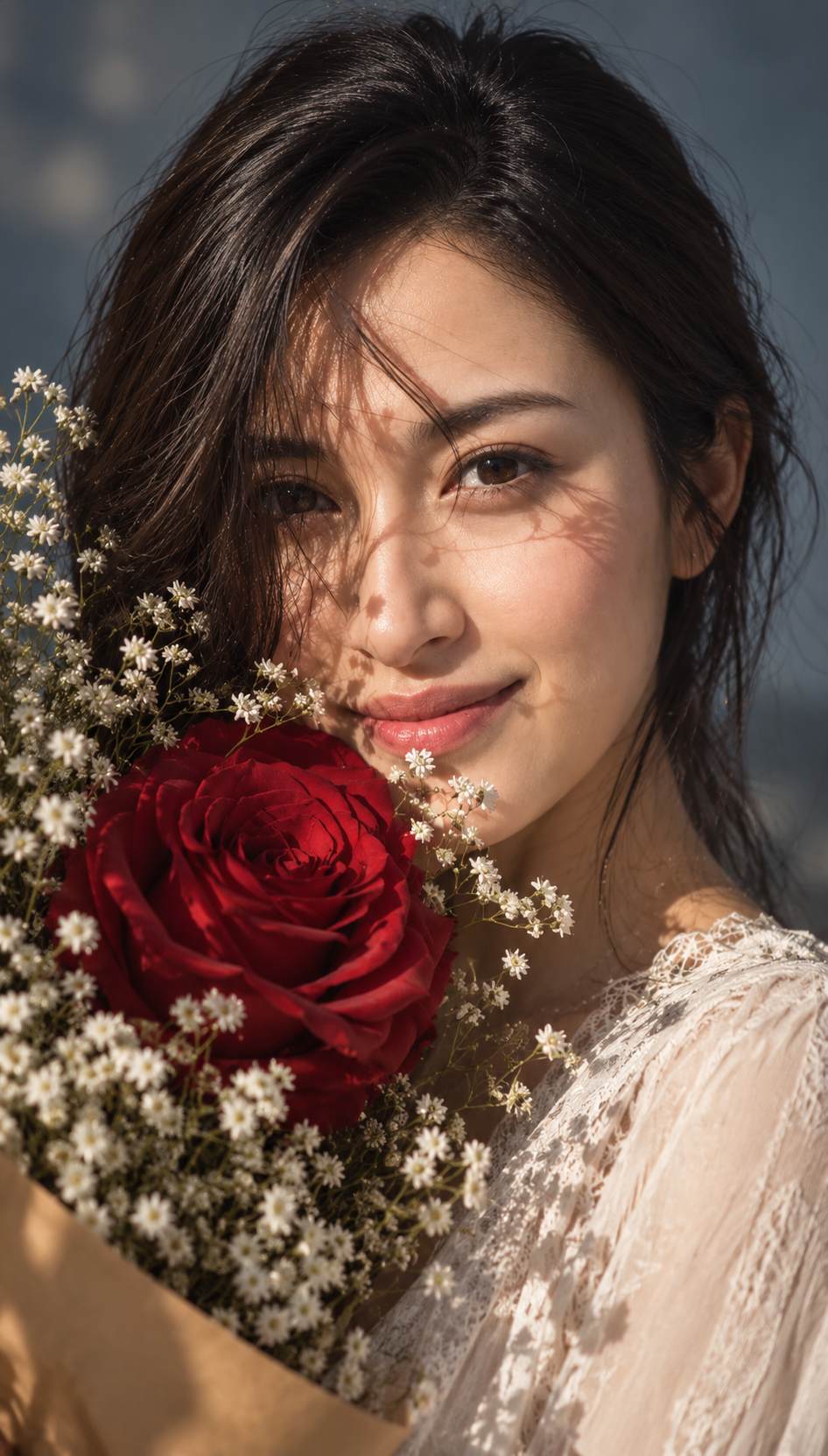
Your simple flow
Open each step to see the exact interaction instead of reading a long block of instructions.
Step one
Browse real source-and-result pairs. You see the transformation before deciding which style fits your photo.
Browse curated styles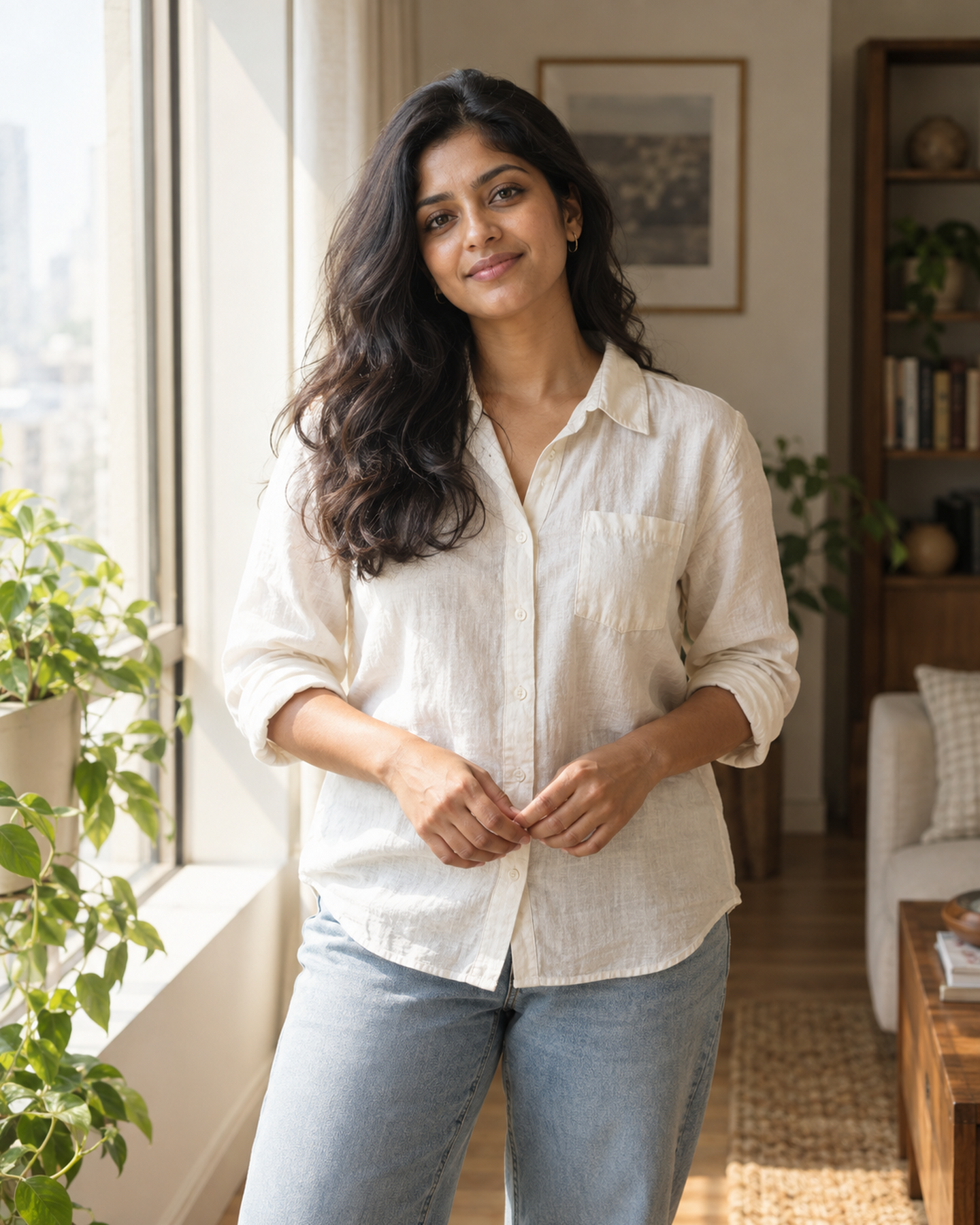

AI Prompt Grid lists tested transformation prompts. Version 0 does not generate images on this site. A style is a source photo, an AI result, and a prompt someone can copy into an external editor.
Use this guide when you publish a look, check a prompt against a real photo, or request a style that is not in the catalog yet.

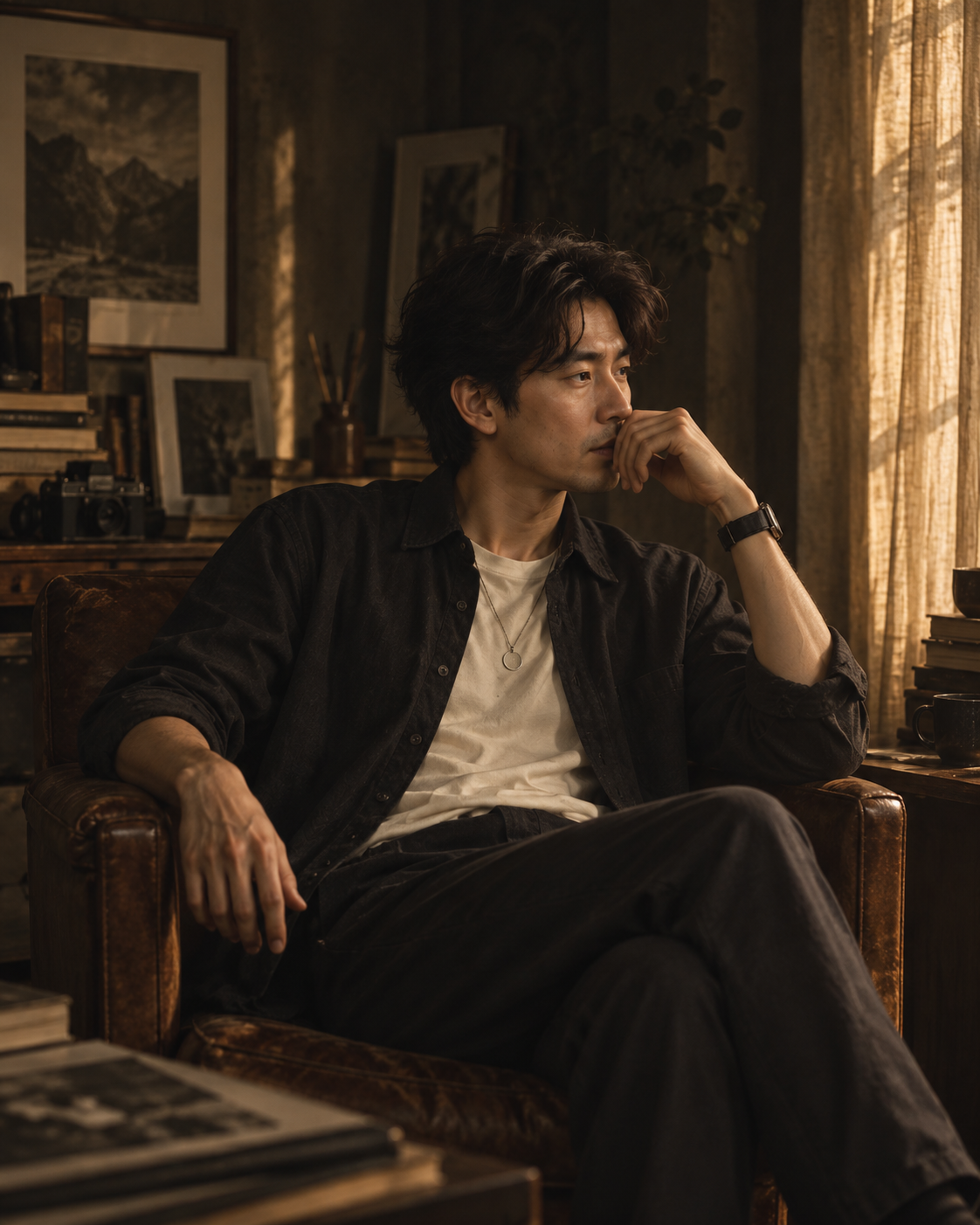
Prompt testing standard
Each published style keeps the original photo beside the result and records which external editor was used. The prompt should preserve identity unless the style says otherwise.

Creator guidelines
Keep listings honest and easy to reuse. Visitors should understand the look before they copy the prompt.
Describe the look clearly so visitors know what the prompt is meant to do.
Do not claim AI Prompt Grid transforms the photo. Visitors finish the image in their own editor.
A style is a source, a result, and a prompt someone can paste into an external AI editor.
Keep notes on permission, commercial use, and model release when people are identifiable.
Request a style
During the private beta, style ideas go through the contact channel on your invite. Include the subject, the look you want, and a note about which editor you used.