Add Missing Person to Group Photo AI Prompt: 2 input photos combined into one result
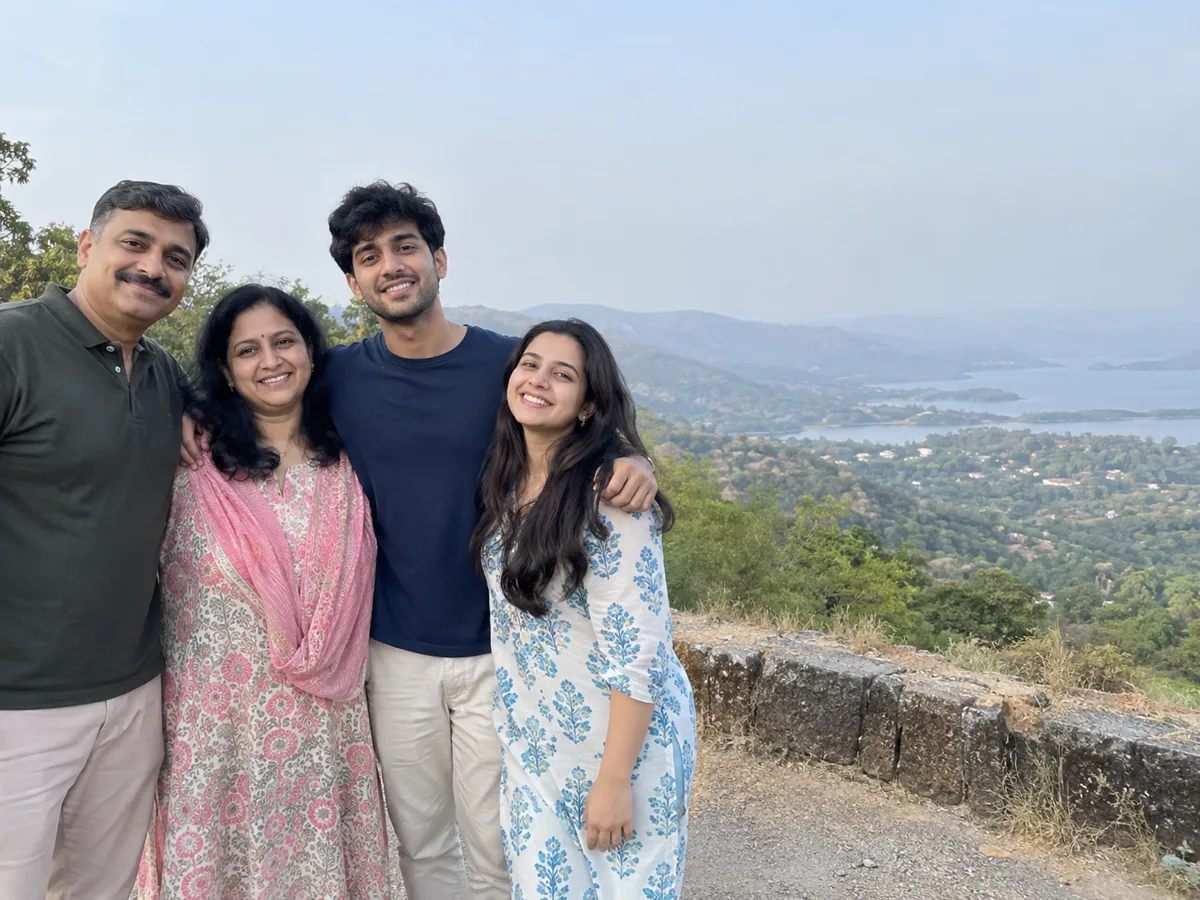
Photo 1
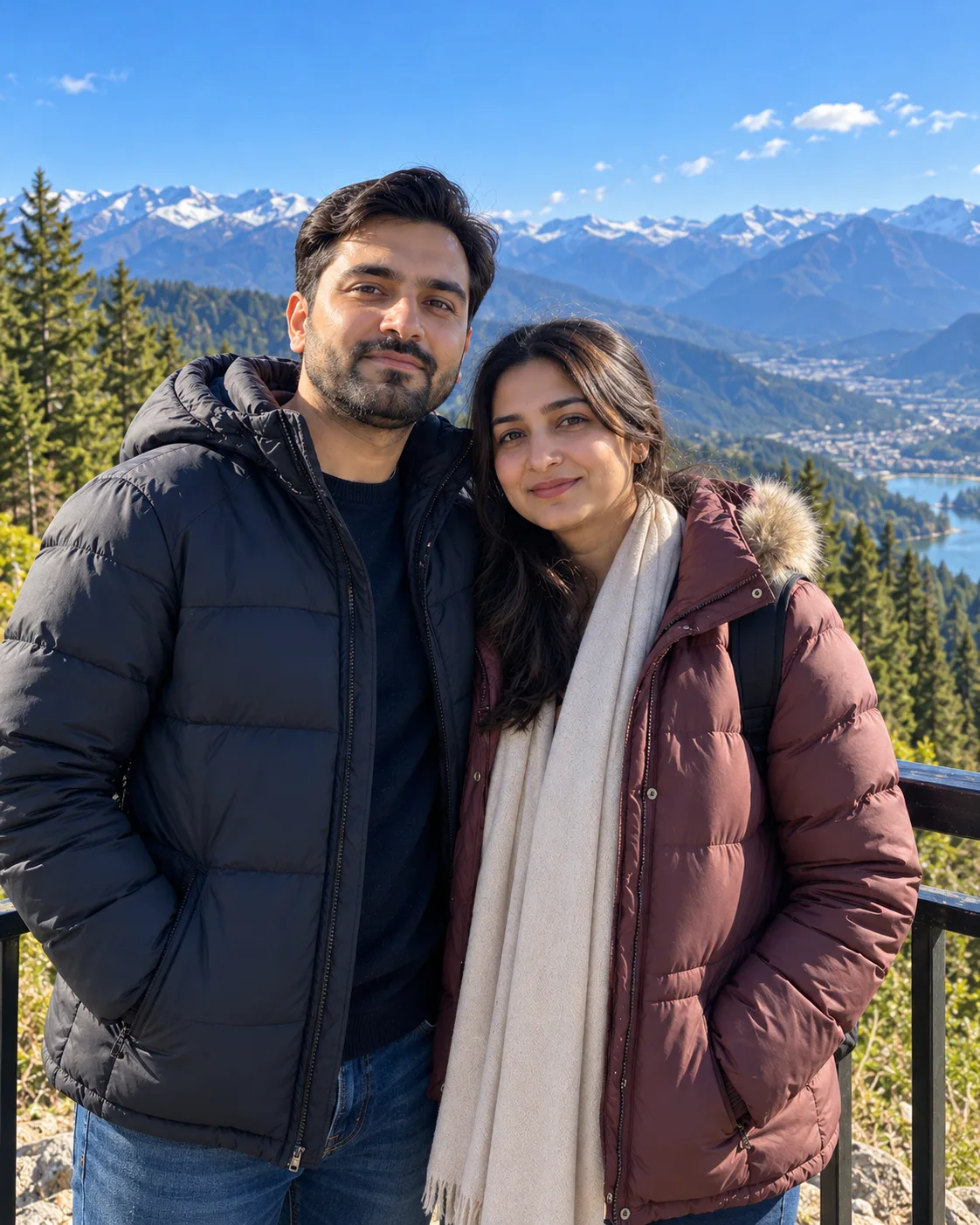
Photo 2
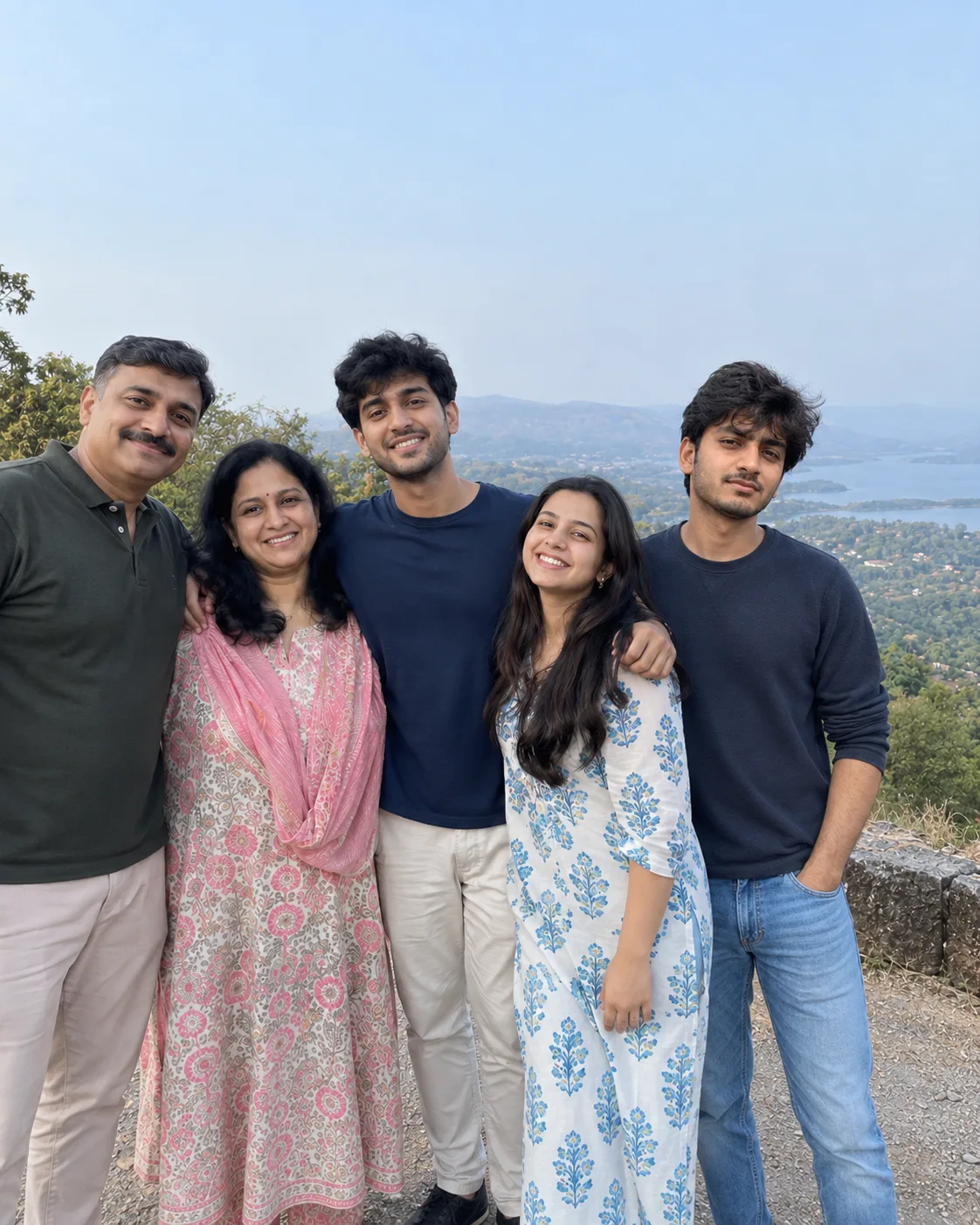
Result
Example images are AI-generated. The people shown are not real.
CinematicGroupTwo photosChatGPT ImageMode: Image edit / transform with uploaded photo
Add Missing Person to Group Photo AI Prompt
Add a missing person to a family group photo: the person from the second photo joins the group at the right end, matched in size, light, and shadow, with everyone else unchanged.
Best forAdd missing person group family reunion posts
Works withthe group photo first, then a clear photo of the person to
Inputs: first photo → second photo (2)·Prompt v1.0.0
Best source photo
✓Group photo where the right end has some free space
✓Added person photographed in similar light
✓Added person's face large and sharp
✓Original images should not be blurry
What changes
One person added at the right end
Adds the missing person at the right end of the family group.
Size, light, and shadows matched to the group
Matches the added person's size, focus, light, shadows, and grain.
What should stay recognizable
✓Everyone already in the group photo
✓Group arrangement
✓Original background
✓Added person's face from photo 2
AI tools can still change small details. Review the final result before using it professionally.
Limitations
Example people and animals in the before photos are AI-generated, not real.
Add one missing person into an existing group photo—group stays intact, new face locked from its own upload. Upload the group first, then the person to add.
Tips for this look
Group photo first, missing person second—order matters.
Ask to match the group’s light direction on the added person.
Keep every original group face unchanged while inserting the new person.
Say exact final headcount so nobody else is invented.
Optional add-on
Want a cleaner insert? Add: keep every original group face and the added person’s exact face, but match colour grade and shadow direction carefully—no party props that were not in the group scene.
FAQs
Create a couple from two solos instead?+
Use couple merge pages; this page is specifically add-to-group.
Eid family combine parents+kids?+
Use Eid family frame merge for that two-photo family combine.
Person looks pasted?+
Ask to match perspective, scale, and light so it reads as one photograph.
Wrong place in the group?+
Describe where they should stand relative to named people.