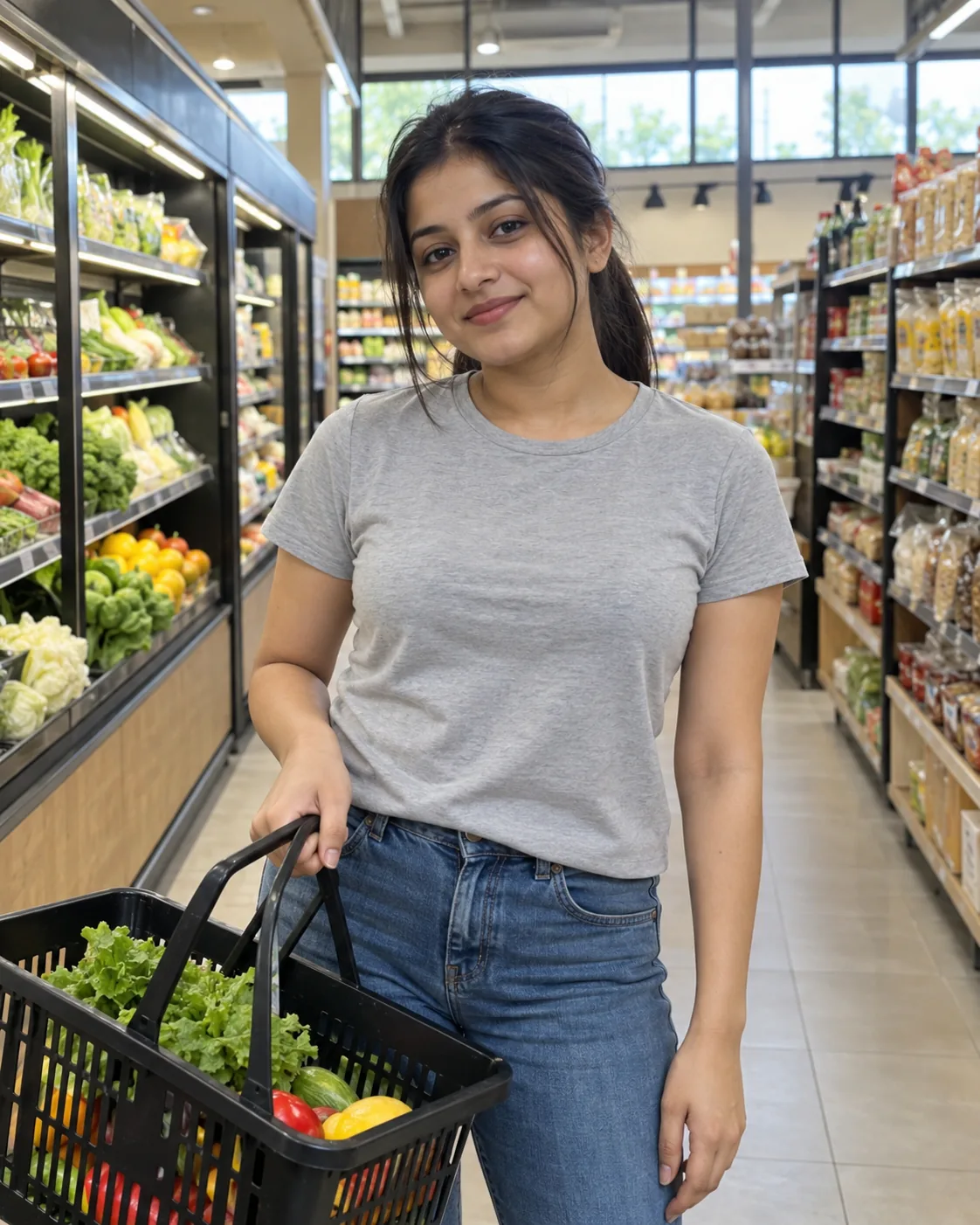
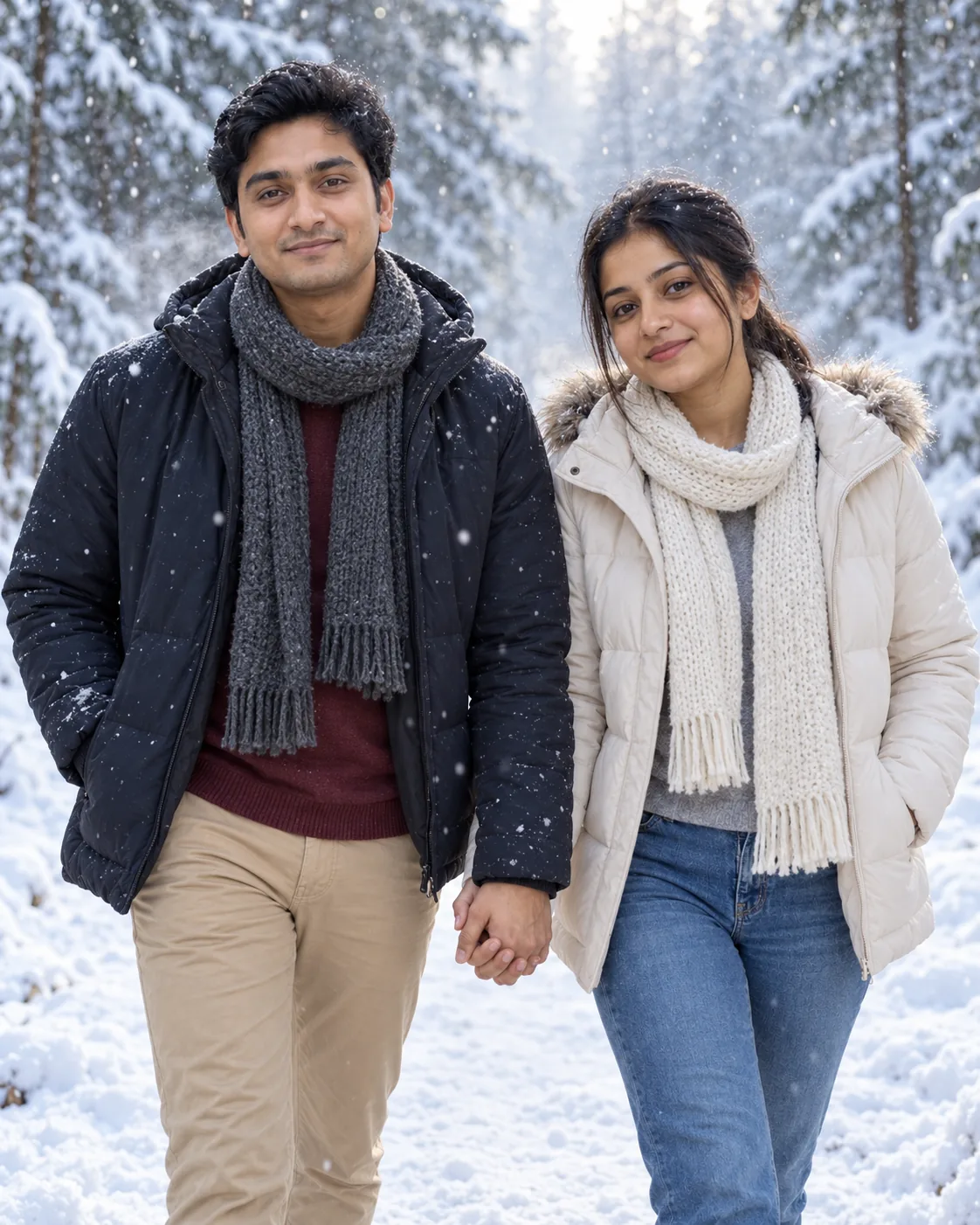
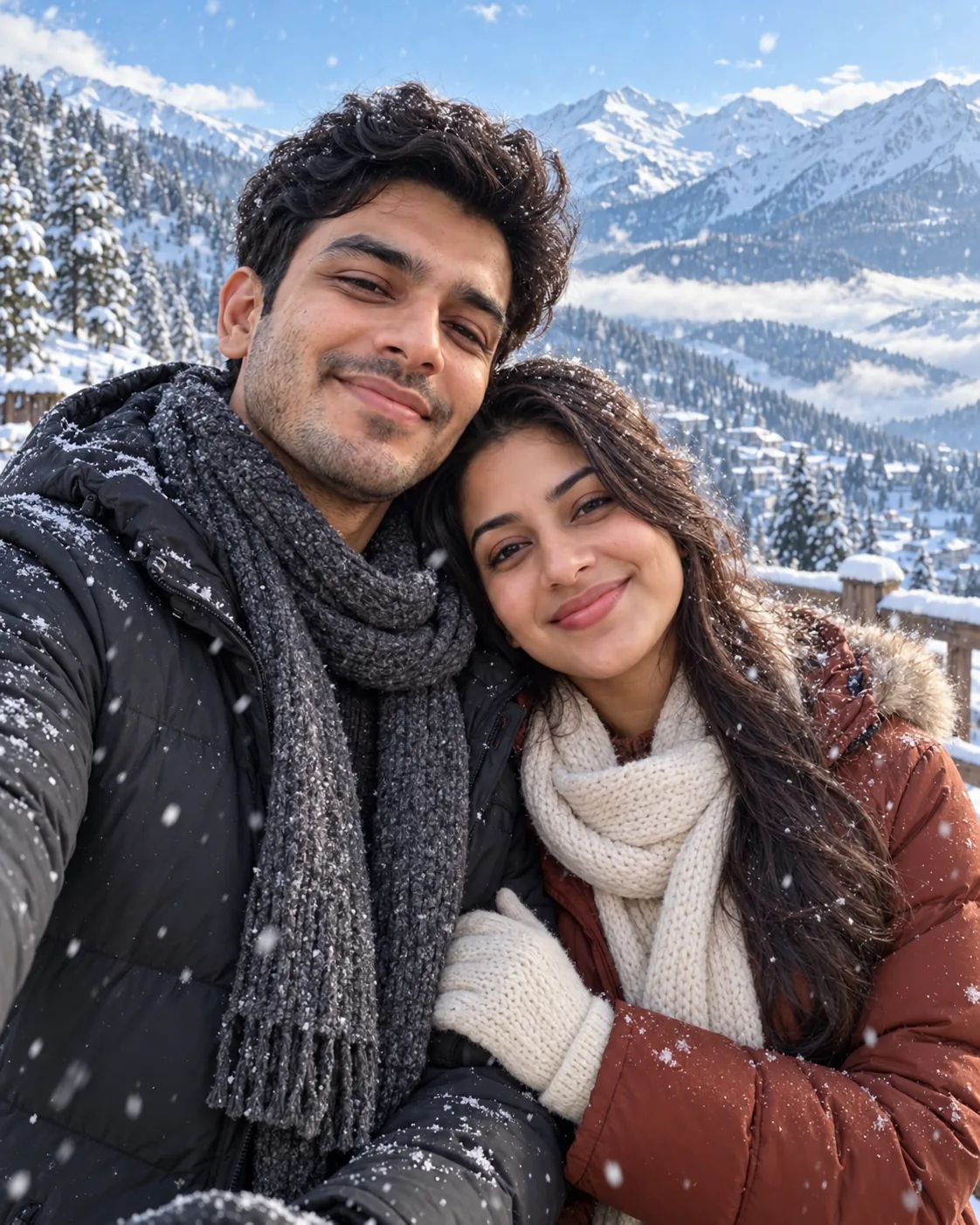
Snowfall Couple Winter AI Photo Prompt (Merge 2 Photos): 2 input photos combined into one result
Photo 1
Photo 2
Result
Example images are AI-generated. The people shown are not real.
CinematicGroupTwo photosChatGPT ImageMode: Image edit / transform with uploaded photo
Snowfall Couple Winter AI Photo Prompt (Merge 2 Photos)
Merge two separate photos into one winter AI couple photo walking hand in hand on a snowy pine path in matching jackets, both faces kept exactly.
Best forSeparate selfies snowy couple winter snow-day posts
Works withtwo separate photos uploaded together in one message: person A first, person
Inputs: first photo → second photo (2)·Prompt v1.0.0
Best source photo
✓One person per photo, face large and sharp
✓Similar light in both photos (both daylight or both indoors)
✓Similar head angle and framing, ideally chest-up
✓Original images should not be blurry
What changes
Both people in one photo
Merges two uploads into one couple walking together through snowfall.
Plain winter jackets and scarves
Dresses both in plain winter jackets with knitted scarves over their clothes.
Snowy pine path
Walks them along a quiet snowy pine path with frosted branches.
Walking hand in hand
Shows them walking hand in hand toward the camera on the snowy path.
What should stay recognizable
✓Person A's face from photo 1
✓Person B's face from photo 2
✓Each skin tone
✓Any head covering
AI tools can still change small details. Review the final result before using it professionally.
Limitations
Example people in the before photo are AI-generated, not real people.
Heavy face occlusion can weaken identity fidelity
Merge two separate photos into one couple walking hand in hand on a quiet snowy pine path in plain winter jackets. Upload person A first and person B second in one message.
Tips for this look
Use two sharp single-person photos with similar daylight or similar indoor light—mixed neon vs daylight merges poorly.
Match chest-up framing and head angle when you can; extreme profile plus front face is harder to blend.
Name who is person A and person B if positions swap; ask to keep each exact skin tone and any head covering.
If hands look wrong while walking, ask for a natural hand-in-hand hold with five fingers each.
Optional add-on
Want a calmer pine-path walk? Add: keep both exact faces from their source photos, plain jackets, and the snowy pine path, but ease snowfall near the eyes—no third walker, no busy ski resort signs.
FAQs
What order should I upload the photos?+
Put person A first and person B second in the same message so each face maps correctly.
Can I use one couple photo instead?+
This style is built for two separate uploads. For one couple frame, use the snowy mountain viewpoint couple look.
Why do our faces blend into one person?+
Ask to treat A and B as two separate people, keep each face exact, and avoid beauty morphing.
Will our original clothes stay?+
Clothing preservation is on by default. Turn it off if you want matching plain jackets and scarves on the pine path.