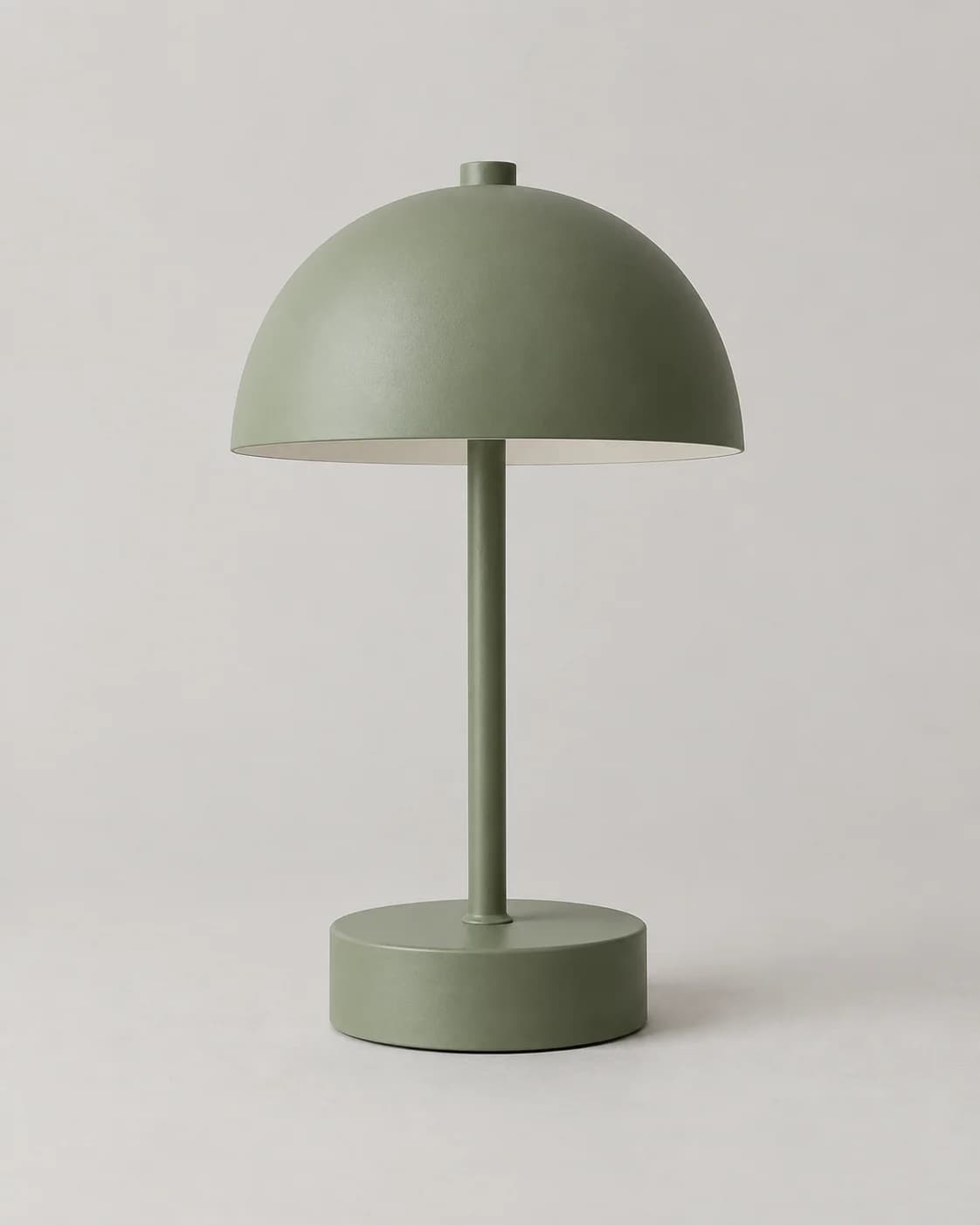
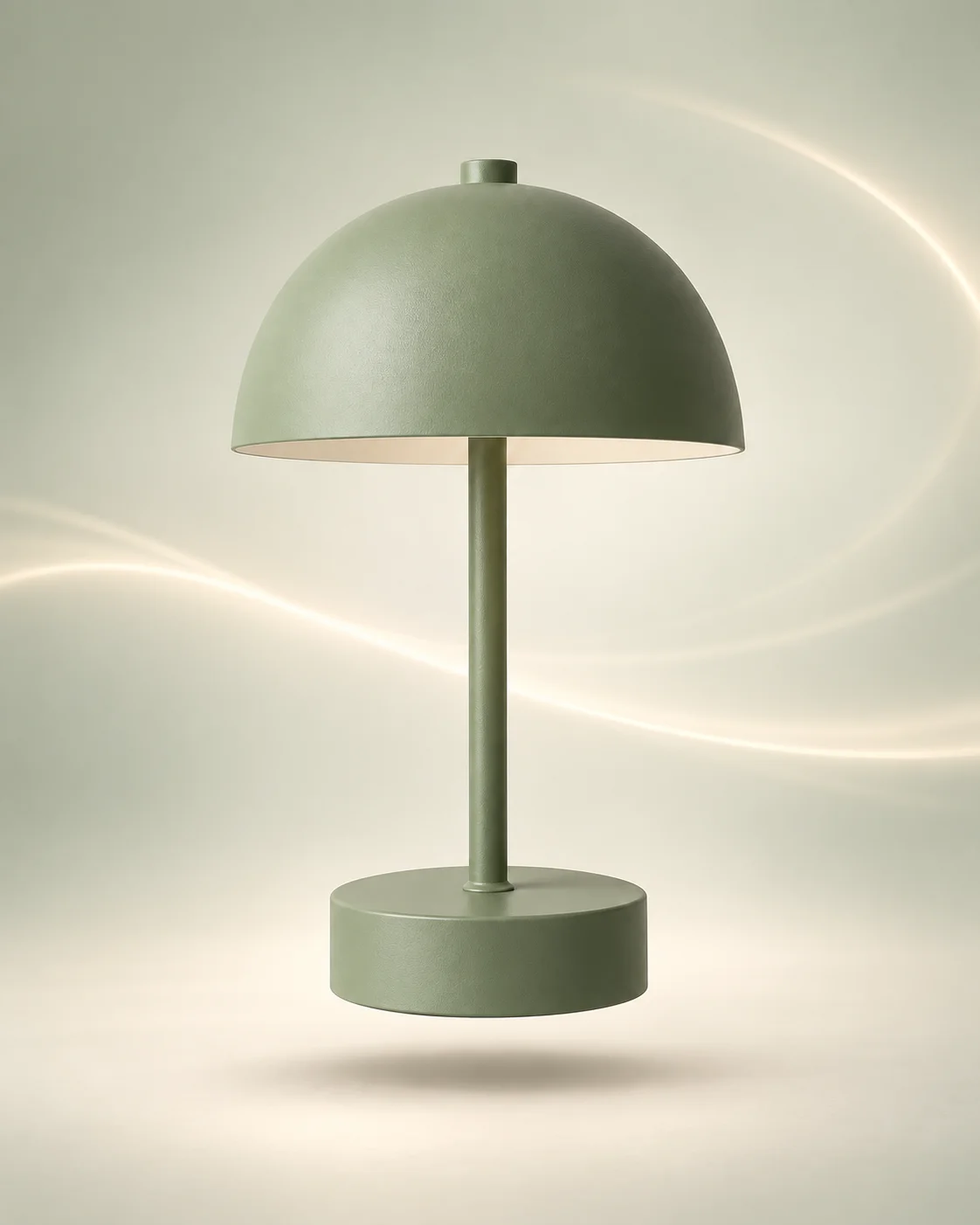
Floating Product Photography AI Prompt (Free)
Product photography AI prompts free: a dynamic floating hero shot with light trails for ads and banners. Copy-paste into Gemini or ChatGPT.
Best forFloating photography product shots for your shop
Works withone clear product photo with clean edges and visible packaging
Inputs: source photo (1)Verified 2026-09-26Prompt v1.0.0
Best source photo
What changes
Background
Places the product on a pale sage-to-cream gradient studio background.
Floating staging
Suspends the product realistically with a subtle soft shadow beneath for scale.
Motion accents
Suggests motion with restrained background light trails, never blurring the product.
Color mood
Applies warm neutral grading across the sage-cream gradient and light trails.
What should stay recognizable
Limitations
- Transparent packaging can confuse edges
- Busy multi-object source photos are unsupported in this variant
Dynamic floating hero for ads: your product hangs in mid-air over a pale sage-to-cream studio with soft curved light trails and a subtle shadow beneath. Upload one sharp product photo.
Tips for this look
- Use a sharp, fully visible product shot so floating staging keeps edges crisp against the gradient.
- Ask for pale sage-to-cream gradient with restrained light trails—not busy particle explosions.
- Keep original packaging colour exact; warm grades can shift label whites toward cream.
- Motion should stay in the background trails only—the product itself must remain perfectly sharp.
Optional add-on
Want a calmer floating banner? Add: keep the suspended product, soft under-shadow, and sage-to-cream studio, but soften light trails further—no heavy particle storms or tilted action blur on the product.
FAQs
Will my product look blurry because of the motion?
No. The product stays sharp; motion is only suggested through soft background light trails.
Do I need a photo already shot mid-air?
No. A normal tabletop product photo works; suspension and the soft under-shadow are added in the style.
Is this a dark luxury jewellery spotlight?
No—this is a warm pale sage-to-cream floating hero for banners and ads, not a charcoal rim-light studio.
Can I use this for bottle or box packaging?
Yes, as long as shape, materials, labels, and finish stay true to the uploaded product.