Luxury Jewellery Product Photography AI Prompt
Jewellery product photography AI prompt: a dark cinematic spotlight that makes rings, watches or perfume look premium. Free to copy-paste.
Best forLuxury jewellery photography product shots for your shop
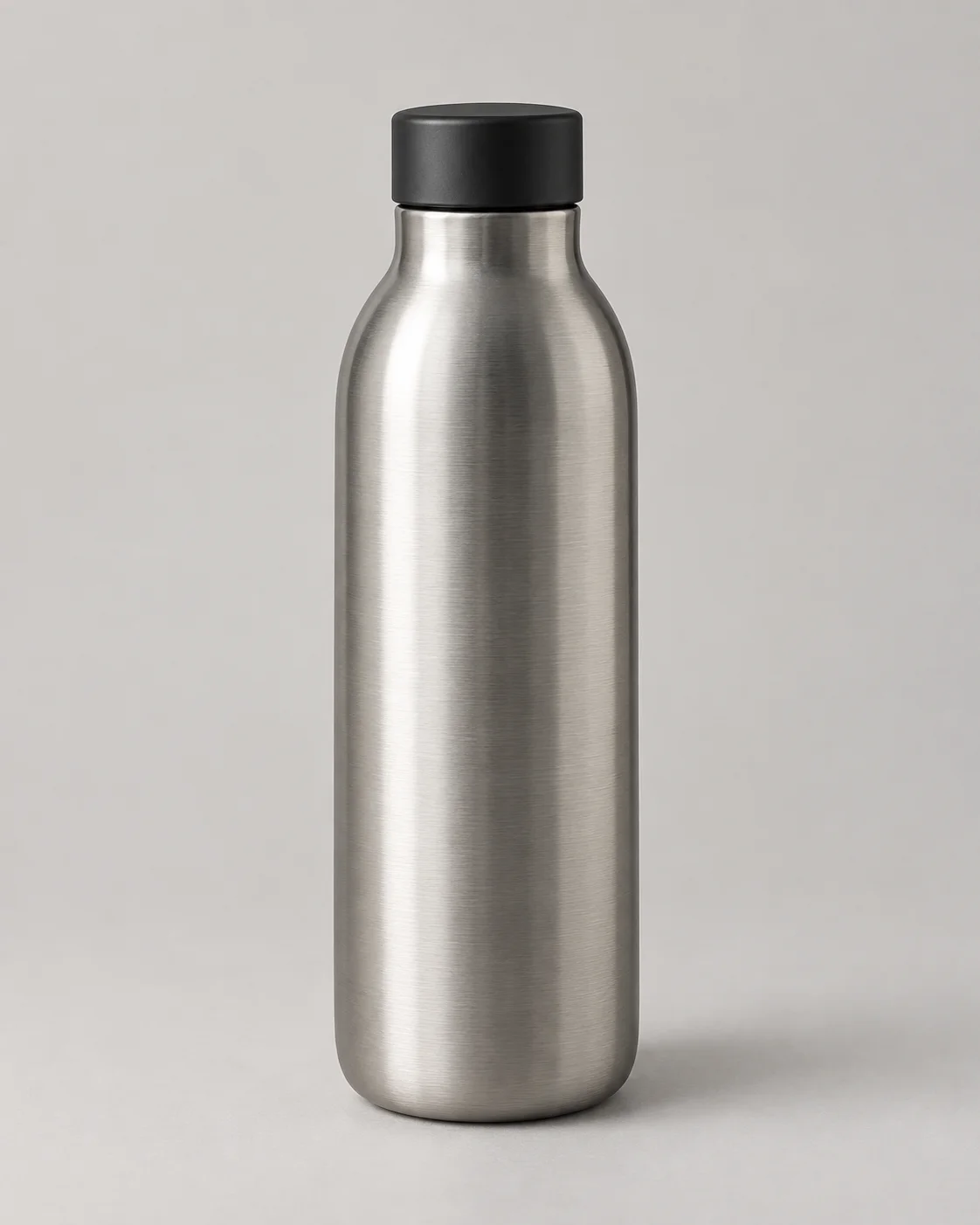
Works withone clear product photo with clean edges and visible packaging
Inputs: source photo (1)Verified 2026-09-26Prompt v1.0.0
Best source photo
What changes
Background
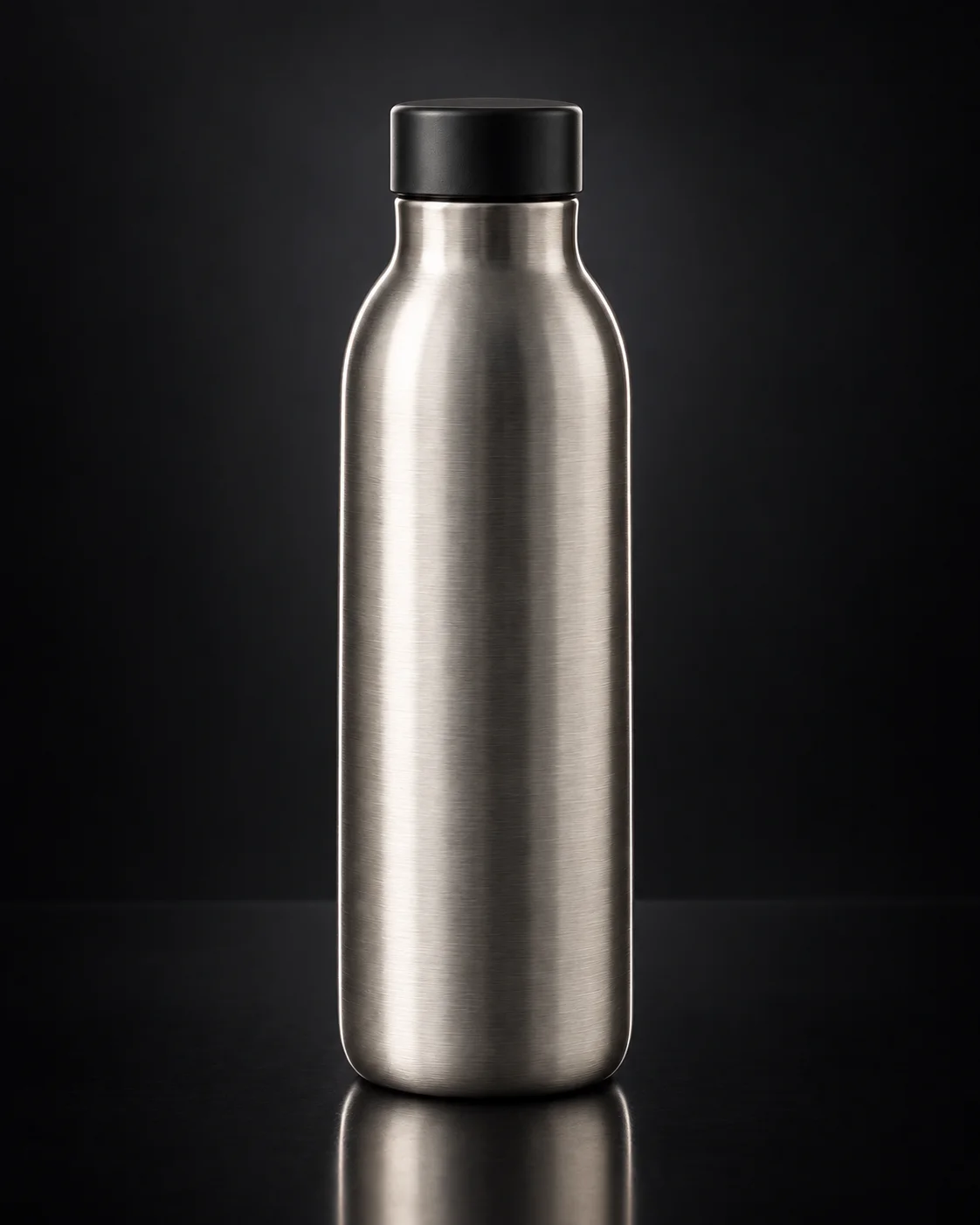
Sets the product in a deep charcoal-black seamless studio with a low plinth.
Lighting
Traces the silhouette with controlled rim light and a narrow soft highlight.
Reflection
Adds a subtle realistic reflection on the low black reflective plinth.
Color mood
Applies dark cool-neutral grading for a dramatic luxury campaign look.
What should stay recognizable
Limitations
- Transparent packaging can confuse edges
- Busy multi-object source photos are unsupported in this variant
Dark cinematic jewellery spotlight: rings, watches or perfume sit on a low black reflective plinth in a charcoal studio, rim light tracing the silhouette. Use one clear product photo.
Tips for this look
- Shoot or crop so the product fills the frame—rim light needs clean edges, not busy packaging clutter.
- Ask for deep charcoal seamless studio and a low black reflective plinth—not a bright white tabletop.
- Keep original metal colour and stone hues exact; cool grades often turn gold into silver tones.
- Skip props and lifestyle hands; this look isolates the piece with controlled rim light only.
Optional add-on
Want a softer luxury spotlight? Add: keep the charcoal studio, black reflective plinth, and rim light, but ease highlight intensity slightly—no white seamless, props, or lifestyle hands.
FAQs
Does this work for perfume bottles as well as rings?
Yes. Any jewellery, watch, or perfume piece works if shape, materials, and finish stay true to your photo.
Will my product colours change on the black background?
They should not—original colour and surface finish stay locked. Re-ask if metals look washed out.
Is this a bright white ecommerce table shot?
No—this is a dark charcoal studio with a reflective plinth and rim light for a premium campaign feel.
Do I need a studio photo already?
No. A clear product shot with readable shape and finish is enough; the dark studio builds in the edit.