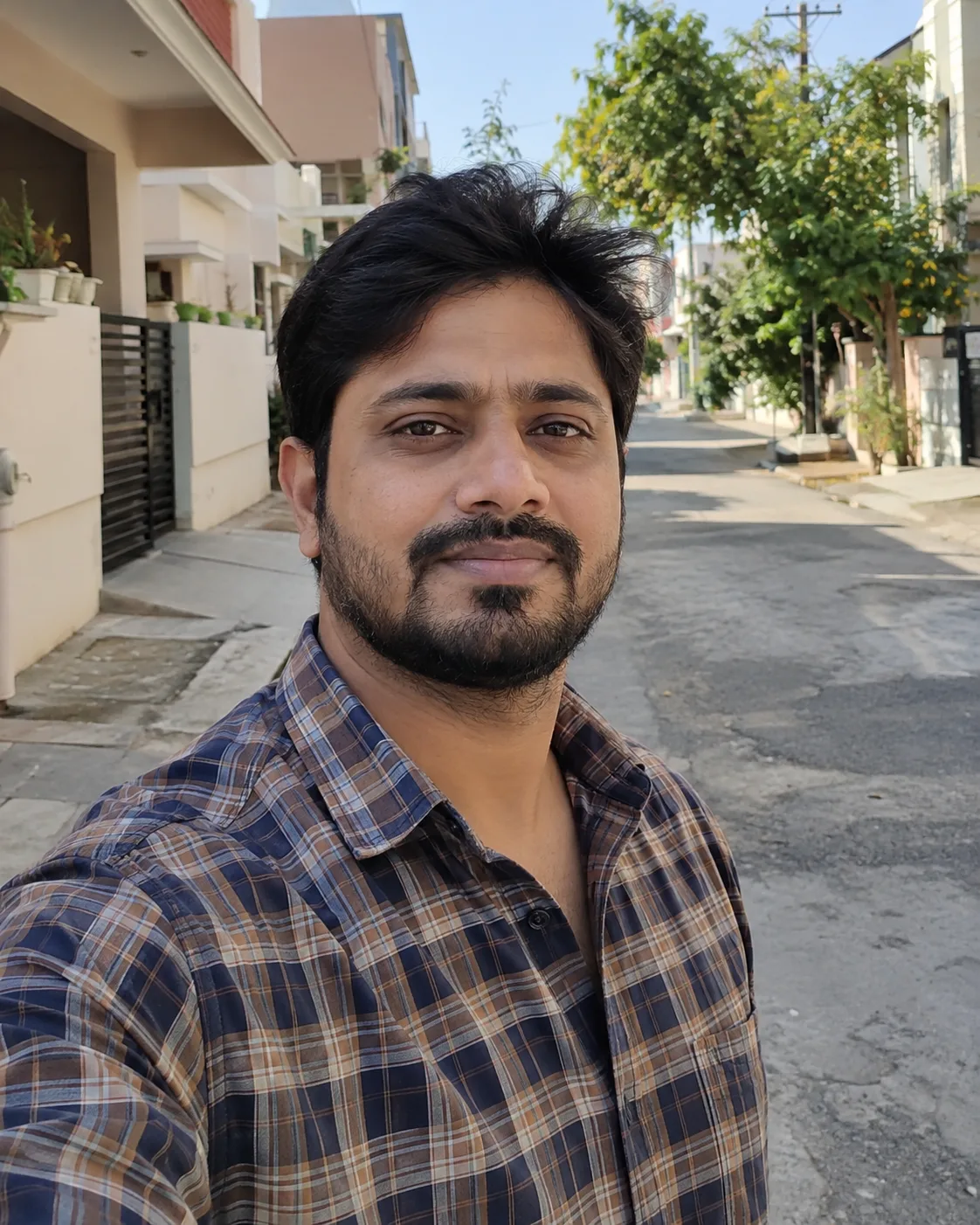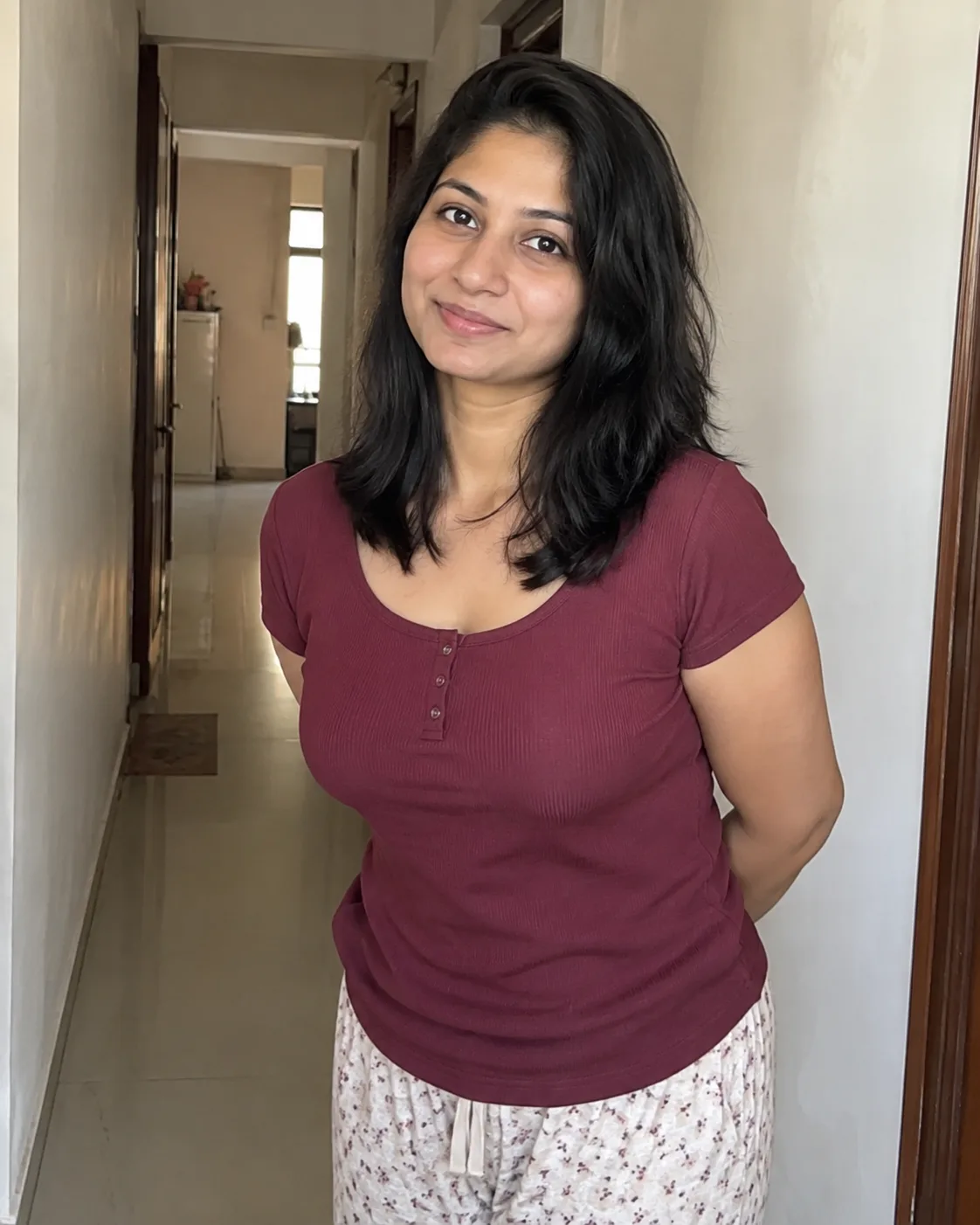
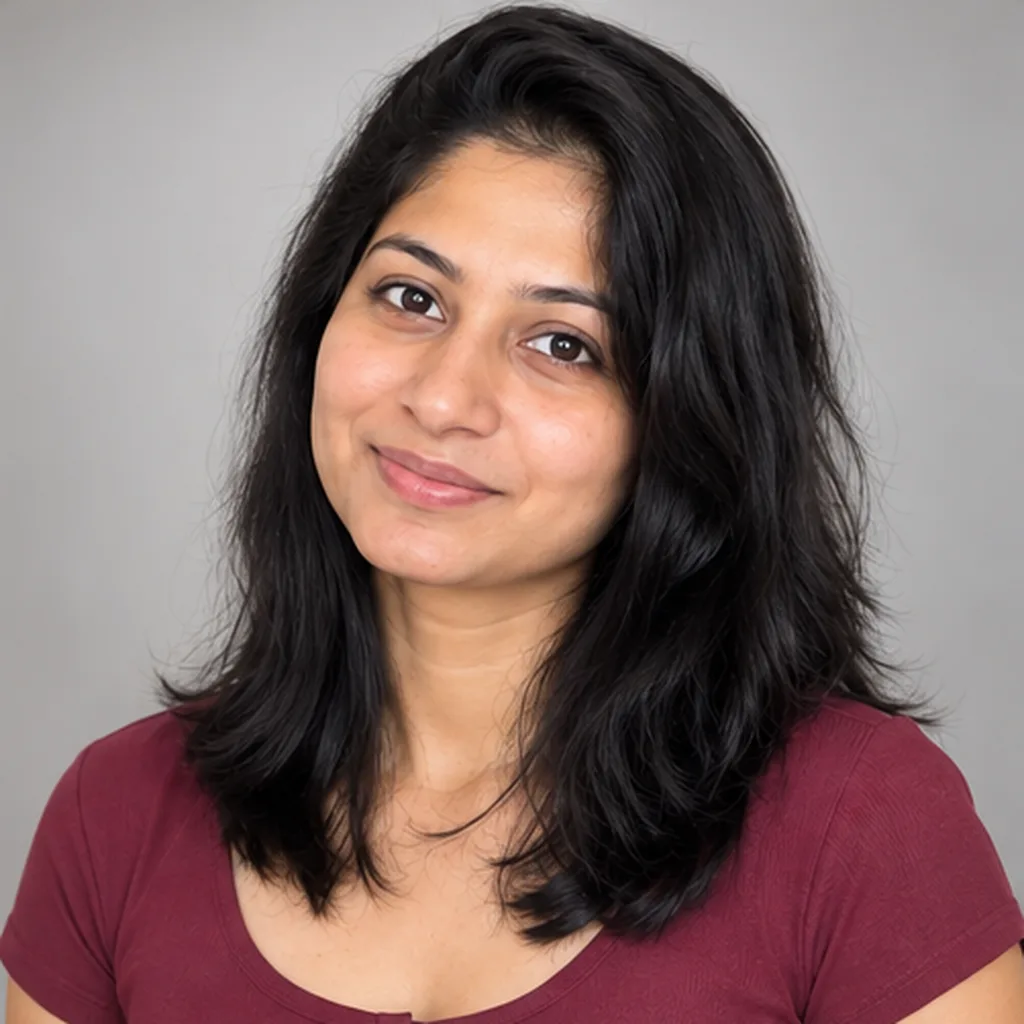
Matching Team Headshot AI Prompt for Gemini (Company Page)
Team photo AI prompt for company pages: give every staff headshot the same grey studio look so the page matches. Copy-paste free for Gemini.
Best forA polished company page for LinkedIn or CV
Works withone head-and-shoulders photo per team member; run the same settings for each
Inputs: source photo (1)Prompt v1.0.0
Best source photo
What changes
Light-grey studio backdrop
Gives every teammate the same soft evenly lit light-grey studio.
Even front lighting
Applies even front lighting so every staff headshot looks consistent.
Consistent eye-line framing
Frames eyes about one-third from the top for matching team crops.
Neatened collar
Neatens the collar while keeping their own outfit when preserved.
What should stay recognizable
Limitations
- Example people in the before photo are AI-generated, not real people.
- Heavy face occlusion can weaken identity fidelity
Matching company-page headshots: every teammate gets the same soft light-grey studio, even front light, and consistent eye-line framing. Own outfits stay; collars neatened so the About page looks unified.
Tips for this look
- Run the same settings for each person—one head-and-shoulders photo per teammate, similar distance from the camera.
- Clothing stays; ask only to neaten collars so brands and personal style remain honest.
- If eye height jumps between people, ask for eyes about one-third from the top of the frame every time.
- One person per photo—group shots make matching crops inconsistent.
Optional add-on
Want tighter company-page matching? Add: keep each person’s own outfit, face and light-grey studio, but match crop height and soft front light across the set—no mismatched coloured backdrops, no logo overlays.
FAQs
Can I process the whole team in one photo?
No—use one head-and-shoulders photo per person and repeat the same settings so framing matches.
Will everyone get the same blazer?
No. Outfits stay; the match comes from the shared light-grey studio, lighting, and eye-line crop.
What if some photos are outdoor and some indoor?
That is fine. The prompt rebuilds the same studio backdrop; just keep faces sharp and similarly framed.
Why do some teammates look taller in the crop?
Source camera distance differed—re-upload shots taken from a similar distance or ask for consistent headroom.